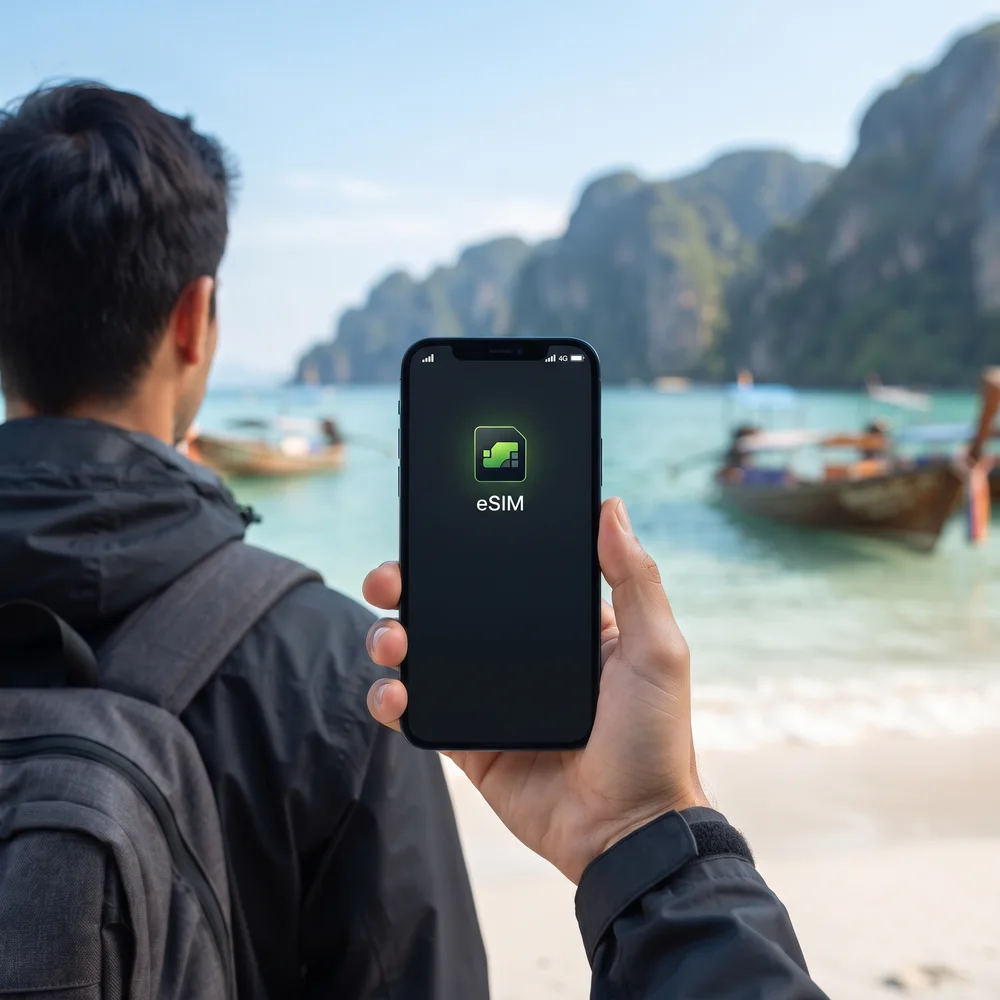
A Thailand eSIM gets you online the moment you land in Bangkok, Phuket or Chiang Mai – no tourist-SIM queue at Suvarnabhumi after a long flight and no roaming bill from your UK network. Choose a plan, we email the eSIM QR code within minutes and you scan it at home before you fly. Plans start at £3.11.
It is a data-only eSIM for Grab and Bolt rides, ferry and train times, Google Maps, translation and video calls home from the beach, while your UK SIM stays in the phone for calls and bank texts.
Thailand eSIM plans and prices
| Plan | Valid for | Price |
|---|---|---|
| 1 GB | 7 days | £3.11 |
| 2 GB | 15 days | £4.28 |
| 3 GB | 30 days | £4.67 |
| 1 GB | 1 day | £4.92 |
| 5 GB | 30 days | £6.22 |
| 10 GB | 30 days | £8.55 |
| 3 GB | 15 days | £12.19 |
| 20 GB | 30 days | £13.99 |
| Unlimited | 10 days | £24.09 |
| Unlimited | 15 days | £30.31 |
| 50 GB | 90 days | £156.87 |
| 100 GB | 180 days | £305.89 |
Which plan for which trip?
- A week in Bangkok or Phuket: 5 GB for 30 days (£6.22) covers Grab, maps and messaging.
- Two to three weeks island-hopping – Koh Samui, Koh Phangan, Koh Tao, Krabi: 10 GB or 20 GB for 30 days (£8.55 / £13.99).
- Remote work or heavy streaming: unlimited for 10 or 15 days (£24.09 / £30.31).
- Backpacking for months: 50 GB for 90 days (£156.87) or 100 GB for 180 days (£305.89).
Is Thailand included in my UK phone plan?
Usually not. Thailand is outside the “Europe” roaming zones most UK plans include, so you usually pay a daily add-on – typically £6 to £8 a day on EE, O2, Vodafone and Three (Three is £7 to £8 depending on when you joined, and O2’s Travel Bolt On is £7). A two-week holiday at £7 a day is about £98 for one phone; 20 GB for 30 days on a Thailand eSIM is £13.99.
eSIM or a tourist SIM at the airport?
AIS and True sell tourist SIMs at Bangkok and Phuket airports, but you need your passport, the SIM has to be registered at the counter, and the queue after a long-haul flight can be long. The eSIM is set up before you leave the UK and works as soon as you land, and you keep your own SIM in the phone.
Using Grab, Bolt and LINE without a Thai number
Grab, Bolt, LINE, WhatsApp and Google Maps all work on data with the accounts you already have, so you do not need a Thai number for most travel apps. A few local services and Thai payment apps ask for a Thai number by text – most visitors never need them.
Keep your UK number for calls and bank texts
Your UK SIM stays in the phone. With two lines active, set the eSIM as your mobile-data line and leave your UK line on for calls and texts, so one-time passcodes from your bank still arrive. Switch data roaming off on the UK line, so it never uses data abroad.
- iPhone: Settings → Mobile Data (or Cellular) → choose the eSIM for Mobile Data and turn off “Allow Mobile Data Switching”. Then open the UK line and turn Data Roaming off.
- Android: Settings → Network & internet (Connections on Samsung) → SIMs → set the eSIM as the mobile-data SIM and turn roaming on for the eSIM only.
Incoming texts on your UK number are usually free while roaming; making calls on it is charged at your network’s roaming rates.
How to set up your eSIM for Thailand
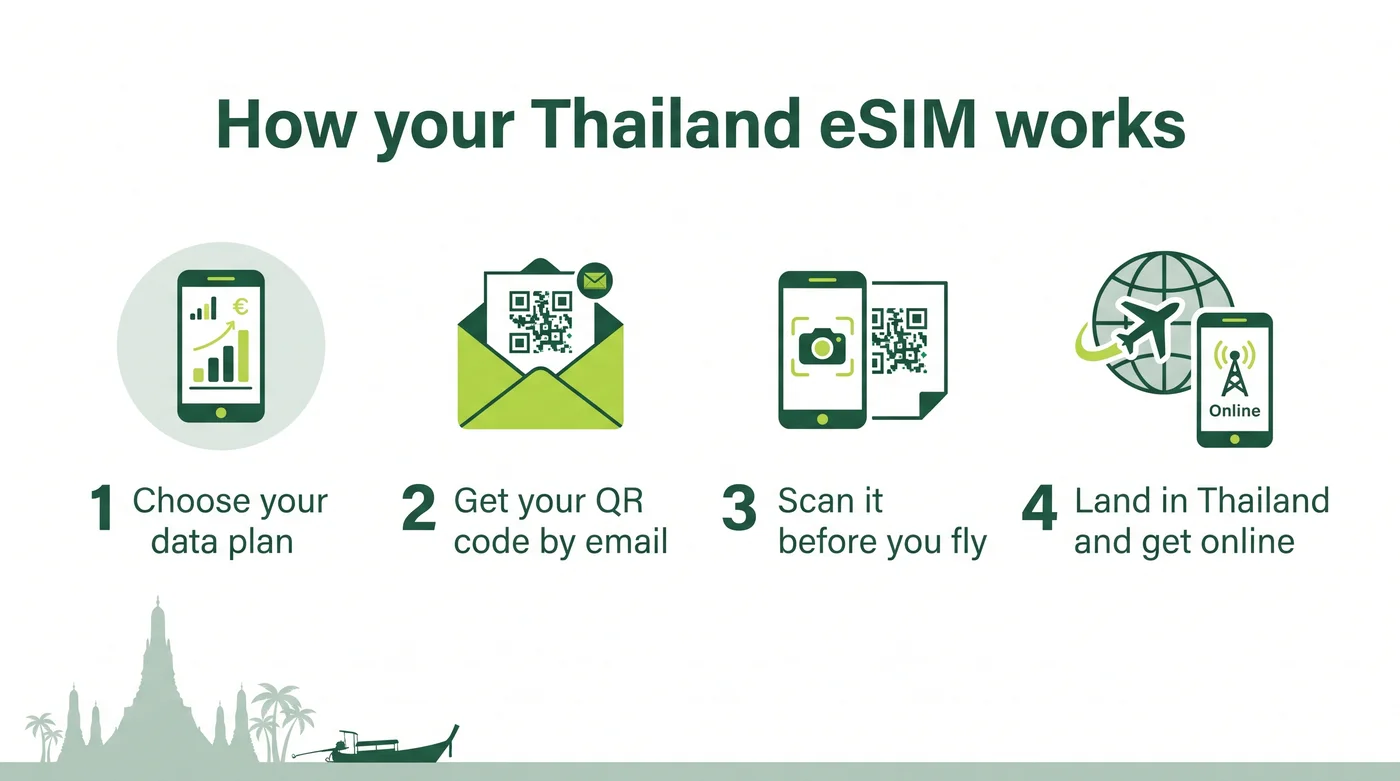
- Choose your plan and pay with PayPal, card or bank transfer.
- We email your eSIM QR code, usually within minutes. It is also saved in My account.
- At home, on Wi-Fi, go to Settings → Mobile Data (or Cellular) → Add eSIM and scan the QR code. Do this before you fly – you may not find Wi-Fi at the airport.
- When you land at Bangkok (BKK or DMK), Phuket, Krabi, Koh Samui or Chiang Mai, switch the eSIM line on and turn on data roaming for it.
Your phone must support eSIM and be unlocked – most iPhones from the XS onwards and recent Samsung Galaxy and Google Pixel phones do. If you see “Add eSIM” in settings, you are good to go. Phone locked to your UK network? See our unlock codes.
Coverage in Thailand
The eSIM uses a major Thai network with 4G across Bangkok, Chiang Mai, Phuket, Krabi, Pattaya and Hua Hin, and 5G in parts of the big cities. You also get good signal on the main tourist islands – Koh Samui, Koh Phangan, Koh Tao, Koh Lanta and Phi Phi – though it can weaken on remote beaches, jungle treks and some ferry crossings.
Questions about this eSIM
Will I still get bank texts from the UK?
Yes – keep your UK line on for calls and texts and turn data roaming off on it. The eSIM handles all your data.
Does the Thailand eSIM include a Thai phone number?
No – it is data-only.
Can I hotspot my laptop?
Personal hotspot usually works on travel eSIMs; pick a bigger or unlimited plan if you will work from a laptop.
Can I use it in the UK?
No – it is a travel eSIM for Thailand. For a UK number, see our UK eSIMs.
Can I get a refund if my trip is cancelled?
Once the QR code has been emailed the order is complete and cannot be refunded, so please check your phone supports eSIM and choose your plan carefully before you buy.
Sources (checked October 2026): O2 roaming (Travel Bolt On) · Three Go Roam prices. Roaming prices change – check your own network before you travel.

Reviews
There are no reviews yet.