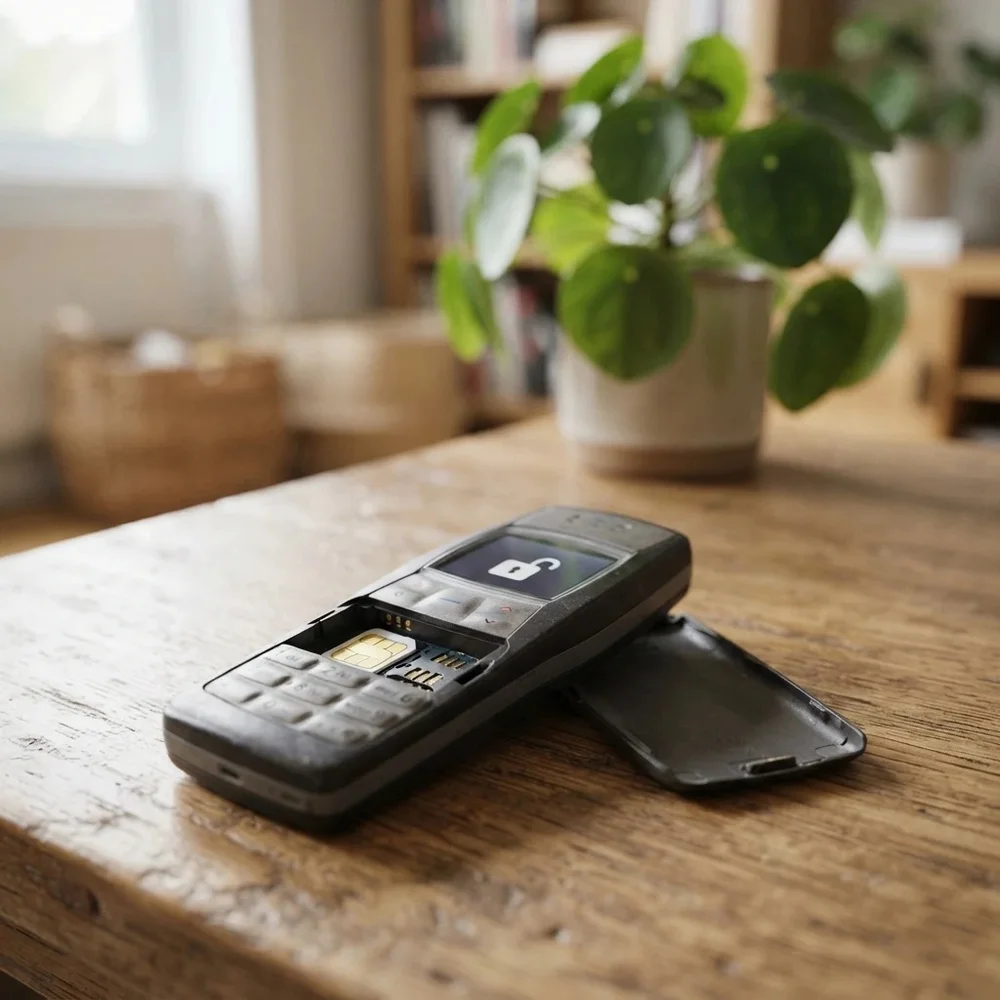
Simple Alcatel keypad phone that won’t take your SIM? The OT-1009 to OT-1801 range covers basic button phones such as the 1016G, 1010D, 1051D and 1060X. They are often bought cheaply as spares and turn out to be locked. A permanent factory unlock code removes that lock, so the phone accepts any network’s SIM. Pick your model and enter the IMEI.
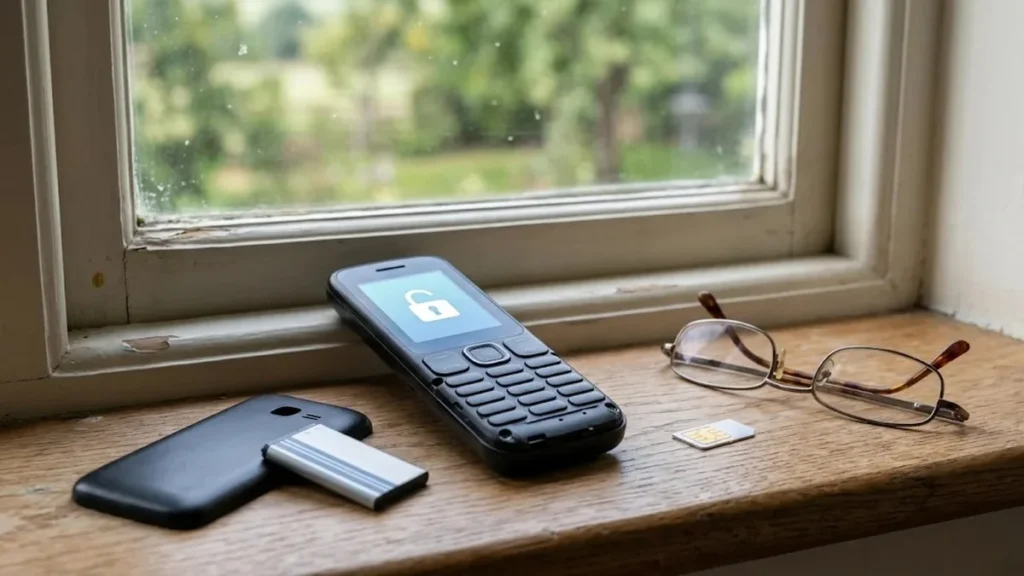
Models covered by this unlock code
| Model | Also known as | Device |
|---|---|---|
| Alcatel One Touch 10.16 | One Touch 10.16 | phone |
| Alcatel One Touch 10.16G | One Touch 10.16G | phone |
| Alcatel OT-1009A | One Touch 1009A | phone |
| Alcatel OT-1009X | One Touch 1009X | phone |
| Alcatel OT-1010D | One Touch 1010D | phone |
| Alcatel OT-1010X | One Touch 1010X | phone |
| Alcatel OT-1011A | One Touch 1011A | phone |
| Alcatel OT-1011D | One Touch 1011D | phone |
| Alcatel OT-1011X | One Touch 1011X | phone |
| Alcatel OT-1012X | One Touch 1012X | phone |
| Alcatel OT-1013D | One Touch 1013D | phone |
| Alcatel OT-1013X | One Touch 1013X | phone |
| Alcatel OT-1016 | One Touch 1016 | phone |
| Alcatel OT-1016D | One Touch 1016D | phone |
| Alcatel OT-1016G | One Touch 1016G | phone |
| Alcatel OT-1017G | One Touch 1017G | phone |
| Alcatel OT-1030A | One Touch 1030A | phone |
| Alcatel OT-1030D | One Touch 1030D | phone |
| Alcatel OT-1030X | One Touch 1030X | phone |
| Alcatel OT-1040X | One Touch 1040X | phone |
| Alcatel OT-1042D | One Touch 1042D | phone |
| Alcatel OT-1042X | One Touch 1042X | phone |
| Alcatel OT-1046D | One Touch 1046D | phone |
| Alcatel OT-1046G | One Touch 1046G | phone |
| Alcatel OT-1051 | One Touch 1051 | phone |
| Alcatel OT-1051A | One Touch 1051A | phone |
| Alcatel OT-1051D | One Touch 1051D | phone |
| Alcatel OT-1051N | One Touch 1051N | phone |
| Alcatel OT-1054 | One Touch 1054 | phone |
| Alcatel OT-1060G | One Touch 1060G | phone |
| Alcatel OT-1060X | One Touch 1060X | phone |
| Alcatel OT-1063 | One Touch 1063 | phone |
| Alcatel OT-1801 | One Touch 1801 | phone |
Every model on this page is £1.99. Can’t see your model? Email info@mytopup.co.uk with the model and network before you order.
Reading the model on a basic Alcatel 1000-series
These are straightforward keypad feature phones with small colour screens, made for calls and texts. Take off the back cover and lift the battery: the label beneath gives the model, such as 1016G or 1051D, along with the IMEI. You can also dial *#06# for the IMEI.
The letter matters a lot here. A 1010D is usually dual SIM, while a 1010X is a single-SIM build, and their codes are calculated differently. The 1046 and 1042 are often confused, and so are the 1060X and 1063. The list also includes the One Touch 10.16 and 10.16G, which belong to this same range.
How to find the IMEI number
Dial *#06# and the 15-digit IMEI appears on screen. On a smartphone it is also under Settings › About phone; on older keypad phones it is printed on the sticker under the battery, and on the box. Each code is made for one IMEI, so please copy it carefully – we can’t refund a code made for a wrong IMEI.
How to enter the unlock code
- Switch the phone off and remove the battery to reach the SIM slot.
- Put in a SIM from another network and refit the battery and cover.
- Turn on; the screen should ask for a network code or show Network locked.
- Type the unlock code on the keypad and press OK.
- Check the network name now appears on the standby screen.
If it doesn’t ask for the code
Keypad phones sometimes only show the unlock request after the SIM’s own PIN has been entered, so switch that PIN off first. If the phone just says Invalid SIM or SIM restricted, try a SIM from a completely different network. Dual-SIM D models should have the new SIM in the first slot. If the code is rejected, stop rather than guess, because the phone allows a limited number of tries. Email info@mytopup.co.uk and quote your order number.
How long does it take?
Most codes are sent within minutes, and normally within 6 hours. Orders placed late at night UK time may take until the next morning.
Questions
My 1016G only has a small screen. Will the unlock prompt still appear? Yes. Keypad models show a short message asking for a network or unlock code when they see another network's SIM. Enter the code on the keypad and press OK.
Do I need a smartphone or computer to unlock it? No. Everything is done on the phone's own keypad. You just need the code from our email, a SIM from another network and a charged battery.
Will unlocking delete my data or affect the warranty? No. A factory unlock code only removes the network lock.
Reviews
There are no reviews yet.