Showing 1–12 of 40 results
About Unlocking
Unlock phones, dongles and mobile WiFi
A locked device only accepts SIM cards from the network that sold it. An unlock code removes that lock permanently, so you can use any SIM – handy if you are changing network, travelling abroad or selling the device. Our codes are official factory codes: there is no software to install and the device is not modified.
What we can unlock
Huawei USB dongles and mobile WiFi – E1550, E160, E3131, E3231, E3256, E5332, E5786, E586 and many more.
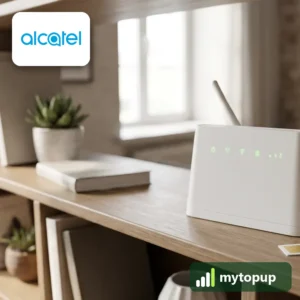
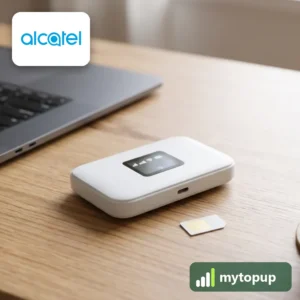
Alcatel phones and routers – OneTouch models, the MW40V LinkZone and Y580, Y800 and Y855 mobile WiFi.
EE routers – 4GEE router HH70VB and EE70, and the Osprey Mini 3.
Vodafone and ZTE phones – Vodafone Smart range and ZTE models.
How to order an unlock code
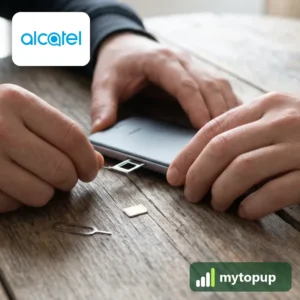
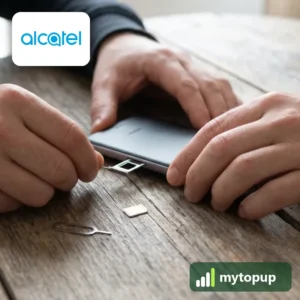
Find your model in the list and check it matches the label on the device.Find the IMEI: dial *#06# on a phone, or look on the sticker under the battery or on the back of a dongle or router.Enter the IMEI at checkout and pay.We email the code, usually within 15 to 30 minutes. Insert a SIM from another network and type the code when asked.
Double-check the IMEI before you pay – a code made for the wrong IMEI will not work. If the code fails on the right IMEI, contact us and we will check it with our supplier and send a working code. UK networks must unlock devices on request under Ofcom rules, but older dongles and routers are often no longer supported – that is where an unlock code helps.
Once your device is unlocked, put a new SIM in it: data SIMs suit routers and dongles, and free SIM cards or eSIMs suit phones. Our tutorials walk through common models step by step.