Use any network’s SIM in your Alcatel 3000-series. This page covers the OT-3000 to OT-8107 models, mostly keypad feature phones such as the 3040D, 3020D, 3000G and 3075A. If yours rejects a SIM from another provider, a permanent factory unlock code removes the network lock for good. Choose the model, send the IMEI and we email the code.
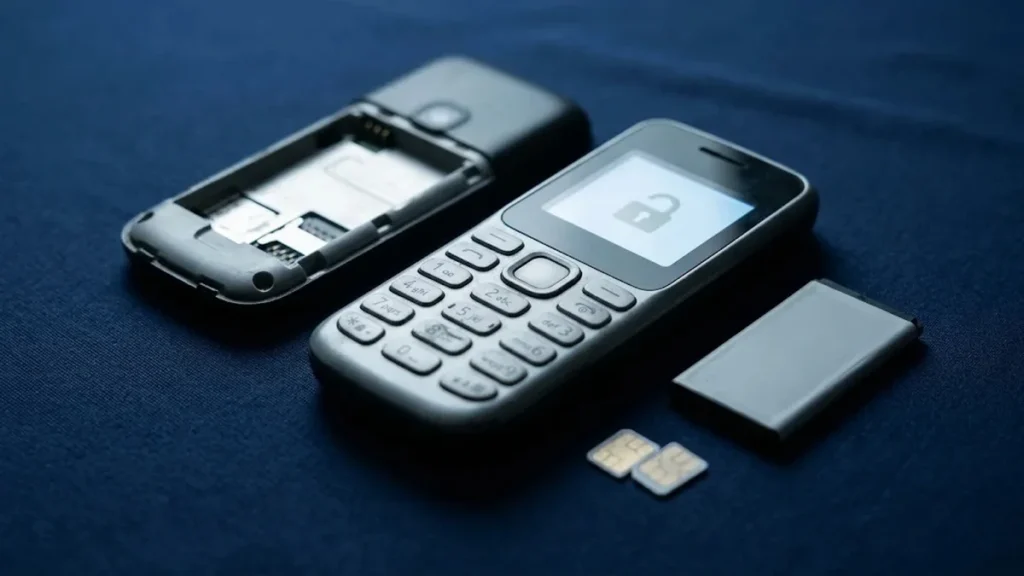
Models covered by this unlock code
| Model | Also known as | Device |
|---|---|---|
| Alcatel OT-3000D | One Touch 3000D | phone |
| Alcatel OT-3000G | One Touch 3000G | phone |
| Alcatel OT-3000H | One Touch 3000H | phone |
| Alcatel OT-3001G | One Touch 3001G | phone |
| Alcatel OT-3002G | One Touch 3002G | phone |
| Alcatel OT-3003G | One Touch 3003G | phone |
| Alcatel OT-3020D | One Touch 3020D | phone |
| Alcatel OT-3020G | One Touch 3020G | phone |
| Alcatel OT-3035A | One Touch 3035A | phone |
| Alcatel OT-3040D | One Touch 3040D | phone |
| Alcatel OT-3040G | One Touch 3040G | phone |
| Alcatel OT-3041D | One Touch 3041D | phone |
| Alcatel OT-3041G | One Touch 3041G | phone |
| Alcatel OT-3042G | One Touch 3042G | phone |
| Alcatel OT-3075A | One Touch 3075A | phone |
| Alcatel OT-3075M | One Touch 3075M | phone |
| Alcatel OT-3142G | One Touch 3142G | phone |
| Alcatel OT-5185 | One Touch 5185 | phone |
| Alcatel OT-7110 | One Touch 7110 | phone |
| Alcatel OT-8107 | One Touch 8107 | phone |
Every model on this page is £1.99. Can’t see your model? Email info@mytopup.co.uk with the model and network before you order.
Checking your Alcatel 3000-series model
Most of these are button-operated feature phones with a small screen, sold as low-cost phones and often locked to the network that supplied them. Remove the back cover and battery to see the white label, which gives the model, such as 3040D or 3041G, and the IMEI.
The 3040 and 3041 are the commonest mix-up, followed by the 3000 and 3001. Each has D and G versions, and a D usually means dual SIM, so the code for a 3040G will not fit a 3040D. The page also includes a few outliers, the 5185, 7110 and 8107, which share this listing. Pick the exact entry printed on your label.
How to find the IMEI number
Dial *#06# and the 15-digit IMEI appears on screen. On a smartphone it is also under Settings › About phone; on older keypad phones it is printed on the sticker under the battery, and on the box. Each code is made for one IMEI, so please copy it carefully – we can’t refund a code made for a wrong IMEI.
How to enter the unlock code
- Switch off the phone and remove the back cover and battery.
- Slot in a SIM from another network and close the phone up.
- Turn it on and wait for the Enter network code style message.
- Type the code on the keypad and confirm.
- Watch for the new network name on the home screen.
If it doesn’t ask for the code
If your 3040D or 3020D shows SIM restricted with no space to type, restart it with a SIM from an unrelated network, and make sure the SIM’s PIN is off. In dual-SIM phones, use slot one for the new card. Should the code be refused, do not try it again and again, because the phone allows only a limited number of attempts. Email info@mytopup.co.uk with your order number and we will check it.
How long does it take?
Most codes are sent within minutes, and normally within 6 hours. Orders placed late at night UK time may take until the next morning.
Questions
My 3040D has two slots but one SIM works. Is it locked? If the SIM from the original network works and another network's SIM does not, the phone is network locked. One unlock code will free both slots.
Where is the IMEI if the label is worn? Dial *#06# on the keypad and the IMEI appears on screen. On dual-SIM phones two numbers may show; give us the first one when you place the order.
Will unlocking delete my data or affect the warranty? No. A factory unlock code only removes the network lock.
Reviews
There are no reviews yet.