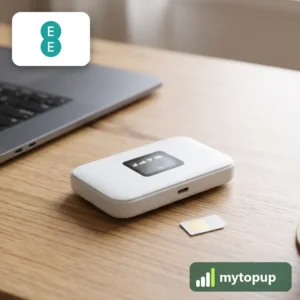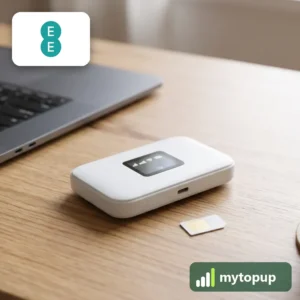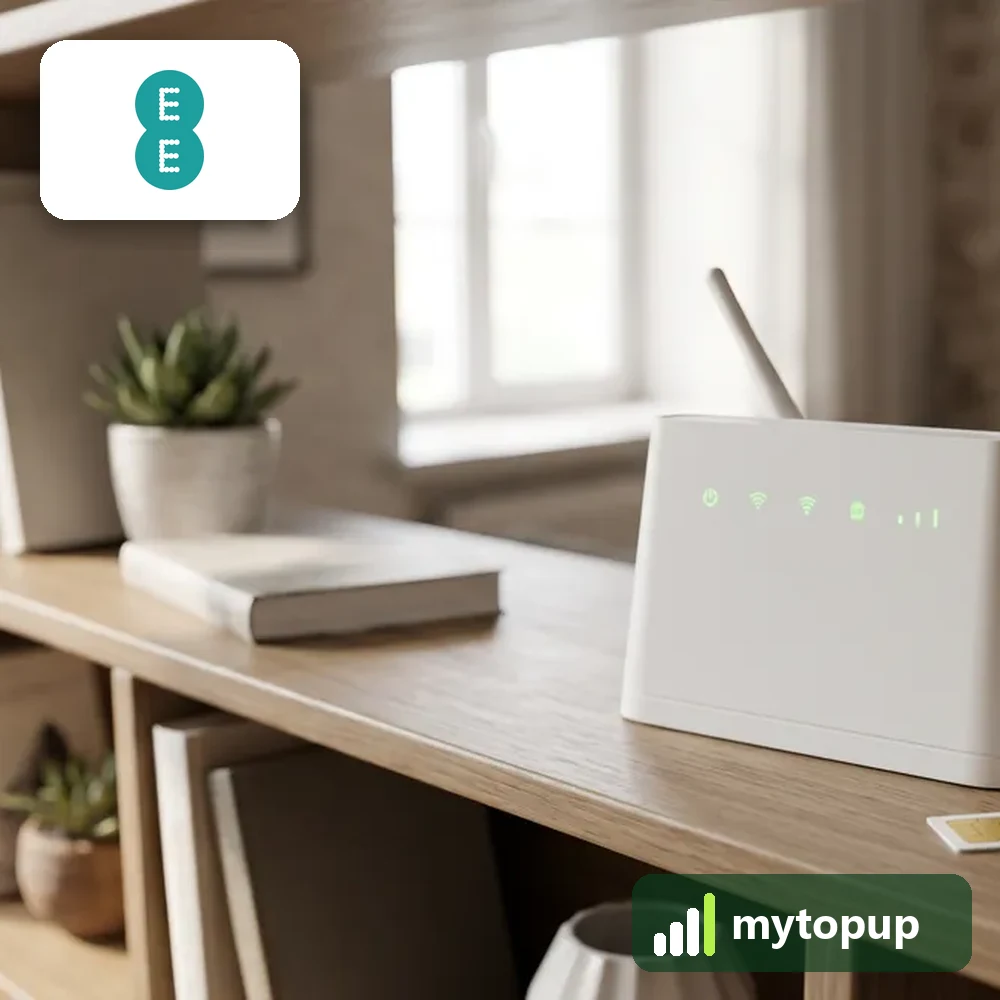
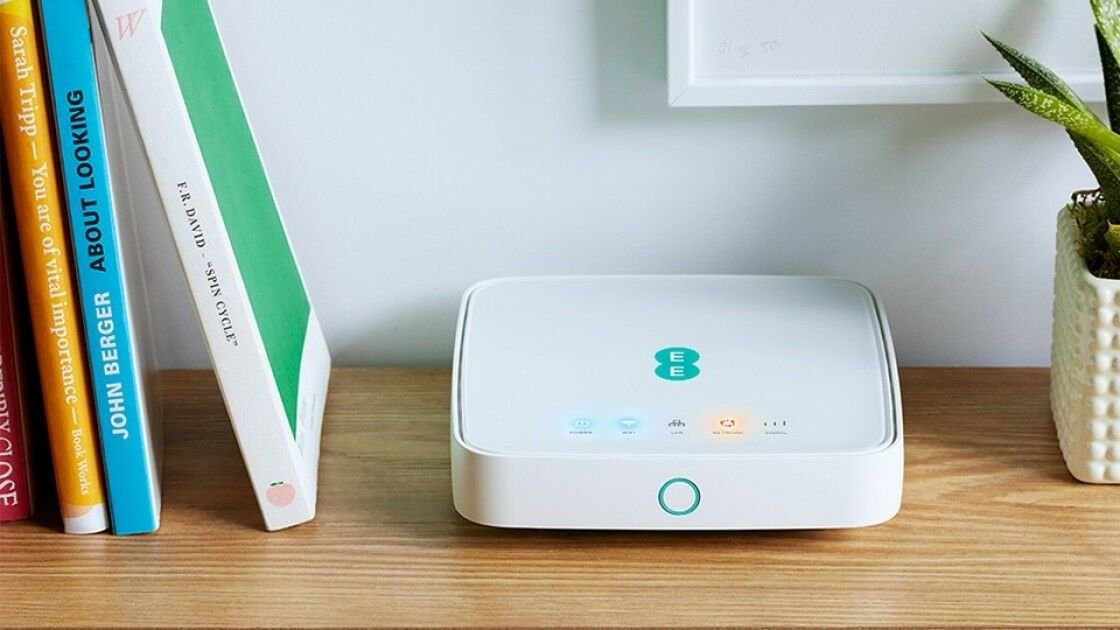
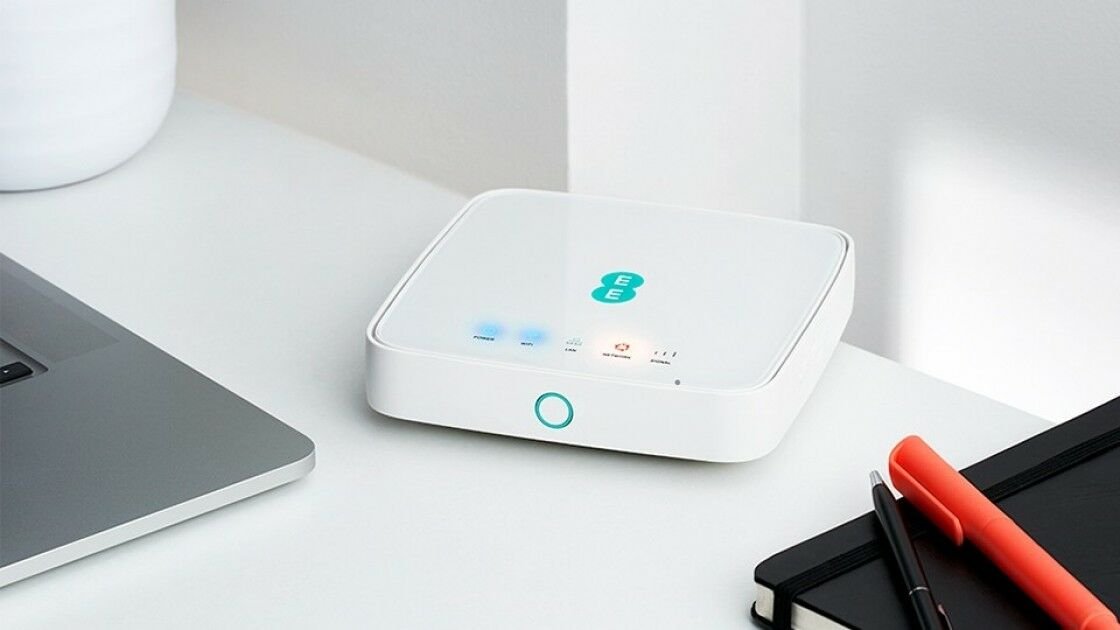
Unlock your EE 4GEE Router HH70VB 4G router with a permanent factory unlock code, so it works with a SIM card from any network – in the UK or abroad. Just send us the IMEI number and we email your code.
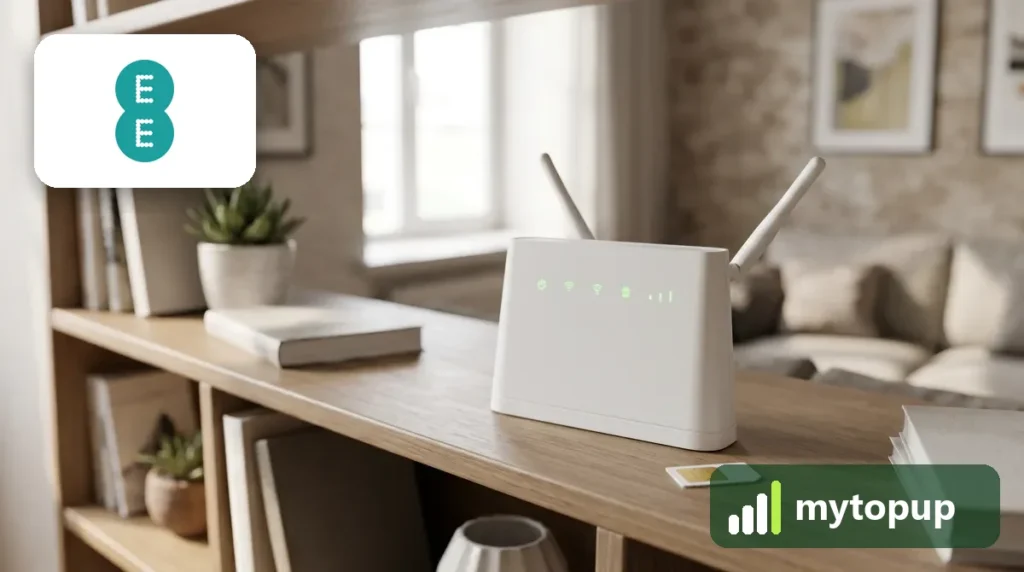
This unlock code covers: EE 4GEE Router HH70VB, 4GEE WiFi Mini EE70 and EE120.
What you get
- A factory unlock code made for your device’s IMEI number.
- A permanent network unlock – it stays unlocked after updates and resets.
- Use any network’s SIM for a better data deal, or a local SIM when travelling.
- No software, no cables and no need to post your device.
How to find the IMEI number
The 15-digit IMEI is printed on the label of the 4G router, usually under the battery cover or on the back. Each code only works for one IMEI, so please copy it carefully – we can’t refund a code made for a wrong IMEI. See our guide to finding your IMEI.
How to unlock the EE 4GEE Router HH70VB
- Order the code and enter the IMEI and model number.
- Put a SIM card from another network into the 4G router and connect to it.
- Open the 4G router’s web page in your browser (usually 192.168.1.1, or the address printed on its label). It asks for an unlock code.
- Type the code we emailed you. The 4G router is now unlocked.
How long does it take?
Most codes are sent within minutes, and normally within 6 hours. Orders placed late at night UK time may take until the next morning.
Questions
Will unlocking delete my data or affect the warranty? No. A factory unlock code only removes the network lock.
The code doesn’t work. Don’t keep trying – too many wrong attempts can lock the device permanently. Email info@mytopup.co.uk with your order number and we will check it.