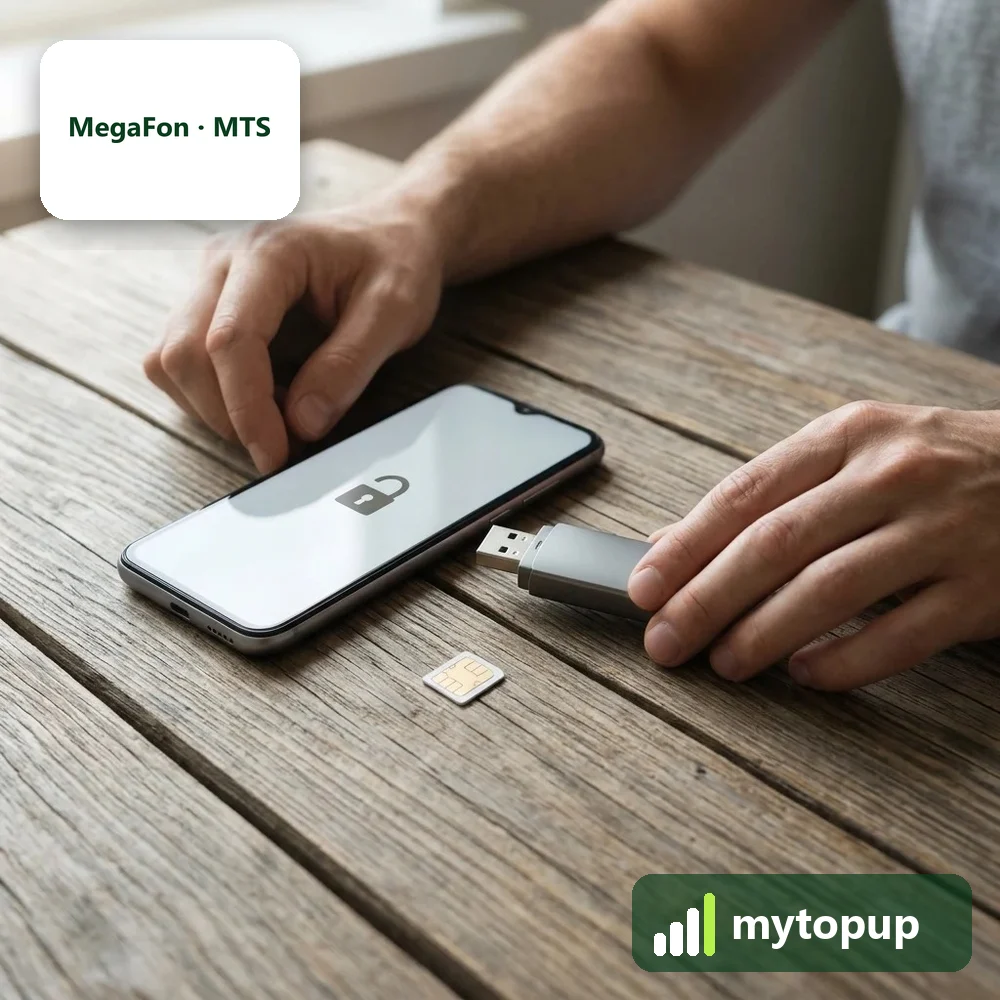
Bought a MegaFon, MTS or Beeline device in Russia? Operator-branded gear like the MegaFon M150-1 and MR100-3, the MTS 823F and the Beeline Smart 3 only works with its own operator’s SIMs. A permanent factory unlock code removes that lock, so the USB modem, mobile WiFi or phone accepts a SIM from any network.
Models covered by this unlock code
| Model | Also known as | Device |
|---|---|---|
| Beeline Pro 3 | phone | |
| Beeline Smart 3 | phone | |
| MegaFon E3272s | Huawei-made | USB modem |
| Megafon Login 2 (tablet) | tablet | |
| Megafon M21-4 | Huawei-made | USB modem |
| Megafon M100 | Huawei-made | USB modem |
| Megafon M150-1 | Huawei-made | USB modem |
| Megafon MR100-3 | Huawei-made | mobile WiFi |
| MegaFon MS3B | Alcatel-made | phone |
| Megafon MT3A (tablet) | tablet | |
| Megafon Optima | phone | |
| MTS 423S | Huawei-made | USB modem |
| MTS 822F | Huawei-made | mobile WiFi |
| MTS 822FT | Huawei-made | mobile WiFi |
| MTS 823F | Huawei-made | mobile WiFi |
| MTS 824FT | Huawei-made | mobile WiFi |
| MTS 970 | Alcatel-made MTC-970 | phone |
| MTS 972 | Alcatel-made MTS-972 | phone |
| MTS 975Y | Alcatel-made MTC-975Y | phone |
| MTS Smart Start 3 | phone |
Every model on this page is £1.99. Can’t see your model? Email info@mytopup.co.uk with the model and network before you order.
Identifying your MegaFon, MTS or Beeline device
These are operator-branded devices made by Huawei or Alcatel: USB modems, pocket WiFi units, phones and a couple of tablets. The operator logo is on the front, but the model is printed on the label under the cap, under the battery or on the base, sometimes in Cyrillic, so MTS can appear as MTC. MegaFon MS3B is covered on this page too.
Choose by the full model. The MTS 822F, 822FT, 823F and 824FT are separate entries, and the MegaFon M100 differs from the MR100-3. For the Alcatel-made MTS phones, the label may show MTC-970 or MTC-975Y, which match the MTS 970 and 975Y entries.
How to find the IMEI number
Dial *#06# and the 15-digit IMEI appears on screen. On a smartphone it is also under Settings › About phone; on older keypad phones it is printed on the sticker under the battery, and on the box. Each code is made for one IMEI, so please copy it carefully – we can’t refund a code made for a wrong IMEI.
How to enter the unlock code
- Insert a SIM from a different network in place of the MegaFon, MTS or Beeline SIM.
- For a modem, plug it in; for a pocket WiFi or router, connect to its WiFi; for a phone or tablet, just switch it on.
- Wait for the unlock request in the software, on the admin page (often 192.168.8.1 on Huawei-made units) or on the screen.
- Enter the code from our email.
- Restart the device and check it registers on the new network.
If it doesn’t ask for the code
Operator software for these devices is often in Russian and may block foreign SIMs without asking for a code. Use the device’s web page or a generic connection program instead. Phones and tablets should show the prompt after a restart with the new SIM inside. If a code is refused, do not keep retrying, as these devices allow only a limited number of attempts. Email info@mytopup.co.uk with your order number and the label details.
How long does it take?
Most codes are sent within minutes, and normally within 6 hours. Orders placed late at night UK time may take until the next morning.
Questions
Will the menus switch from Russian to English after unlocking? No. Unlocking removes the network lock only and does not change the language. On phones and tablets you can usually pick English in the settings. Modem software and admin pages may stay in Russian.
Is the MegaFon MS3B covered? Yes. The MegaFon MS3B is covered on this page. Choose it from the model list, send the IMEI from its label or settings, and we will email your code.
Will unlocking delete my data or affect the warranty? No. A factory unlock code only removes the network lock.
Reviews
There are no reviews yet.