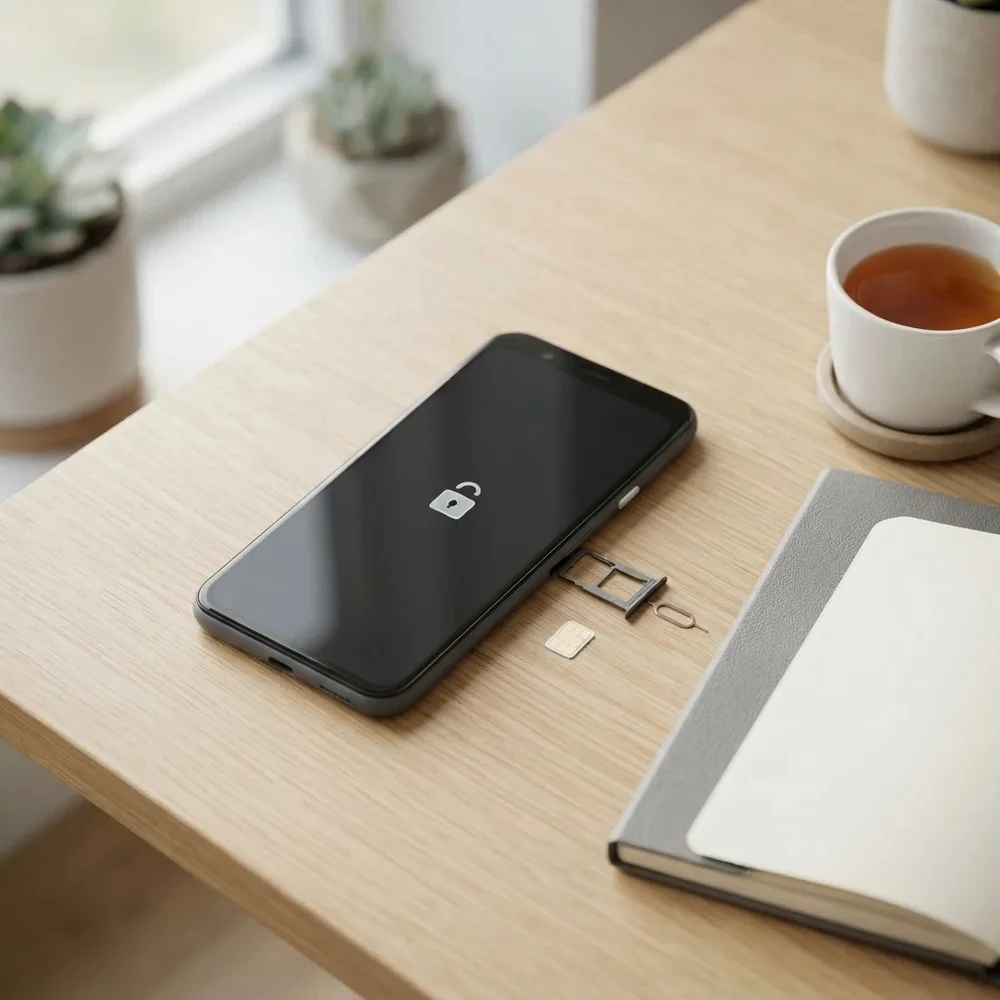
ZTE Blade or Kis phone locked to a network? Budget ZTE handsets such as the Blade L110, Blade A5, Blade Q Mini and Kis Q were often sold locked by the network that supplied them. A permanent factory unlock code, made from your phone’s IMEI, lets it take a SIM card from any network.
Models covered by this unlock code
| Model | Device |
|---|---|
| ZTE Blade A3 | phone |
| ZTE Blade A465 | phone |
| ZTE Blade A5 | phone |
| ZTE Blade A5 Pro | phone |
| ZTE Blade C2 | phone |
| ZTE Blade C341 | phone |
| ZTE Blade D6 Lite 3G | phone |
| ZTE Blade GLux | phone |
| ZTE Blade GPRO | phone |
| ZTE Blade L105 | phone |
| ZTE Blade L110 | phone |
| ZTE Blade L111 | phone |
| ZTE Blade L2 | phone |
| ZTE Blade Q | phone |
| ZTE Blade Q MAXI | phone |
| ZTE Blade Q MINI | phone |
| ZTE Blade V580 | phone |
| ZTE Blade X | phone |
| ZTE Blade X7 | phone |
| ZTE Blade XM | phone |
| ZTE Conexis A1 | phone |
| ZTE Kis 2 Max | phone |
| ZTE Kis Q | phone |
| ZTE T12 | phone |
| ZTE T760 | phone |
| ZTE T815 | phone |
| ZTE V809 | phone |
| ZTE V815w | phone |
Every model on this page is £1.99. Can’t see your model? Email info@mytopup.co.uk with the model and network before you order.
Blade Q, Q Mini or Q Maxi: pinning down your ZTE
Most of these are ZTE Android smartphones, alongside a few older models such as the T760 and V809. On an Android ZTE, open Settings, then About phone, for the model name. On models with a removable back, the label under the battery shows the model and IMEI.
ZTE reused names a lot. Blade Q, Blade Q Mini and Blade Q Maxi are three different phones, as are Blade L105, L110 and L111, and Blade A5 and Blade A5 Pro. The Blade D6 Lite 3G entry is for the 3G version only. Match every word before ordering, and if the name on the back differs from About phone, trust About phone.
How to find the IMEI number
Dial *#06# and the 15-digit IMEI appears on screen. On a smartphone it is also under Settings › About phone; on older keypad phones it is printed on the sticker under the battery, and on the box. Each code is made for one IMEI, so please copy it carefully – we can’t refund a code made for a wrong IMEI.
How to enter the unlock code
- Turn off your ZTE and remove the SIM it is locked to.
- Insert another network’s SIM and power on.
- Wait for the SIM network unlock PIN screen.
- Enter the code from our email and tap Unlock.
- Your ZTE should show the new network within a minute.
If it doesn’t ask for the code
If the phone shows no unlock screen, check the SIM is from a different network and has no PIN lock, then restart. Some ZTE Android phones only ask once, so if you dismissed the box, restart with the SIM in to see it again. If the screen says the code is wrong, do not keep trying, because ZTE phones allow a limited number of attempts. Email info@mytopup.co.uk with your order number and we will look into it.
How long does it take?
Most codes are sent within minutes, and normally within 6 hours. Orders placed late at night UK time may take until the next morning.
Questions
Does unlocking my ZTE Blade wipe the phone? No. The code only removes the network lock, so your apps, photos and contacts stay put. It is good practice to back up anyway before swapping SIM cards.
My ZTE has a network logo on the back. Is it covered? Yes, if the model in Settings, About phone matches one in our list. Many ZTE phones were sold under network branding, and the code is made from the IMEI, not the logo.
Will unlocking delete my data or affect the warranty? No. A factory unlock code only removes the network lock.
Reviews
There are no reviews yet.