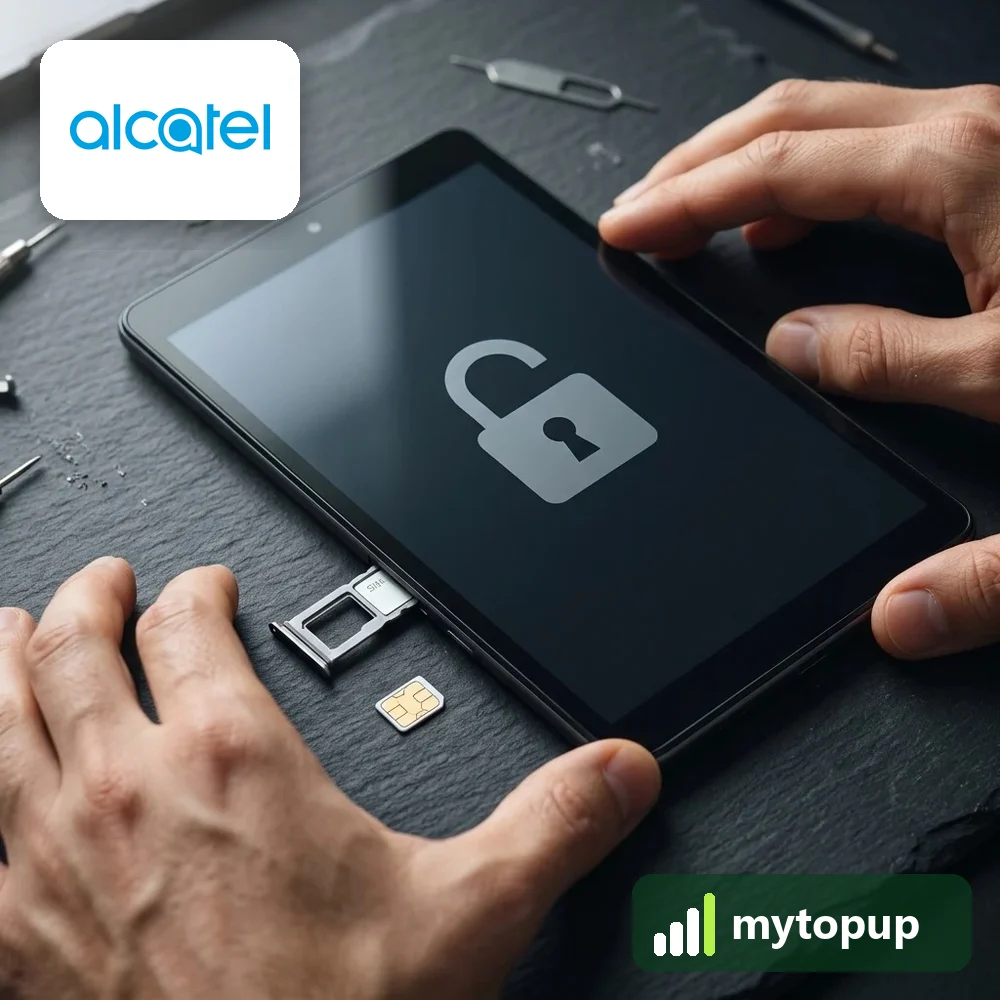
Use any SIM in your Alcatel One Touch tablet. This page covers the P310, P312, P320 and P323 tablets, including the P310X, P310A, P320X and P323X. These are Android tablets with a SIM slot, often sold locked by networks with a data plan. A permanent factory unlock code removes the lock, so the tablet accepts a SIM from any network.

Models covered by this unlock code
| Model | Also known as | Device |
|---|---|---|
| Alcatel OT-P310A | One Touch P310A | tablet |
| Alcatel OT-P310A-4G | One Touch P310A-4G | tablet |
| Alcatel OT-P310A-8G | One Touch P310A-8G | tablet |
| Alcatel OT-P310X | One Touch P310X | tablet |
| Alcatel OT-P310X-16G | One Touch P310X-16G | tablet |
| Alcatel OT-P310X-4G | One Touch P310X-4G | tablet |
| Alcatel OT-P310X-8G | One Touch P310X-8G | tablet |
| Alcatel OT-P312X | One Touch P312X | tablet |
| Alcatel OT-P320A | One Touch P320A | tablet |
| Alcatel OT-P320X | One Touch P320X | tablet |
| Alcatel OT-P321 | One Touch P321 | tablet |
| Alcatel OT-P323X | One Touch P323X | tablet |
Every model on this page is £1.99. Can’t see your model? Email info@mytopup.co.uk with the model and network before you order.
Which One Touch P-series tablet do you own?
These are small Android tablets with a mobile data SIM slot. The model is usually printed on the back case or on a label near the SIM slot, and you can also find it under Settings > About tablet. For the IMEI, look in About tablet > Status, as there may be no dialler to type *#06#.
The endings -4G, -8G and -16G mark different versions of the P310, so choose the line that matches your box or label exactly. The P310A and P310X are the pair most often confused, and the P320X and P321 sit close together too.
How to find the IMEI number
Look in Settings › About tablet › Status, or on the label on the box. Tablets that can make calls also show it when you dial *#06#. Each code is made for one IMEI, so please copy it carefully – we can’t refund a code made for a wrong IMEI.
How to enter the unlock code
- Turn the tablet off and open the SIM slot cover.
- Swap the SIM for a data or voice SIM from another network.
- Power on and unlock the screen.
- When the SIM network unlock PIN box appears, type the code.
- Tap Unlock, then switch on mobile data and check the connection.
If it doesn’t ask for the code
Tablets do not always show the unlock box straight away. If it is missing, check that mobile data is on, restart with the new SIM fitted, and make sure that SIM is from a different network with no PIN. A data-only SIM is fine for unlocking. If the tablet refuses the code, stop and check the model, because only a limited number of attempts are allowed. Contact info@mytopup.co.uk with your order number and the tablet’s model.
How long does it take?
Most codes are sent within minutes, and normally within 6 hours. Orders placed late at night UK time may take until the next morning.
Questions
My box says P310X-8G. Is that a 4G tablet? The -8G ending refers to 8GB of storage, not 4G mobile data. Choose the P310X-8G entry so the model matches your box exactly, as the storage versions are listed separately.
Can I put a phone SIM in the tablet after unlocking? Yes, any network's SIM will be accepted for mobile data once the lock is removed. Whether calls work depends on the tablet itself, not on the unlock.
Will unlocking delete my data or affect the warranty? No. A factory unlock code only removes the network lock.
Reviews
There are no reviews yet.