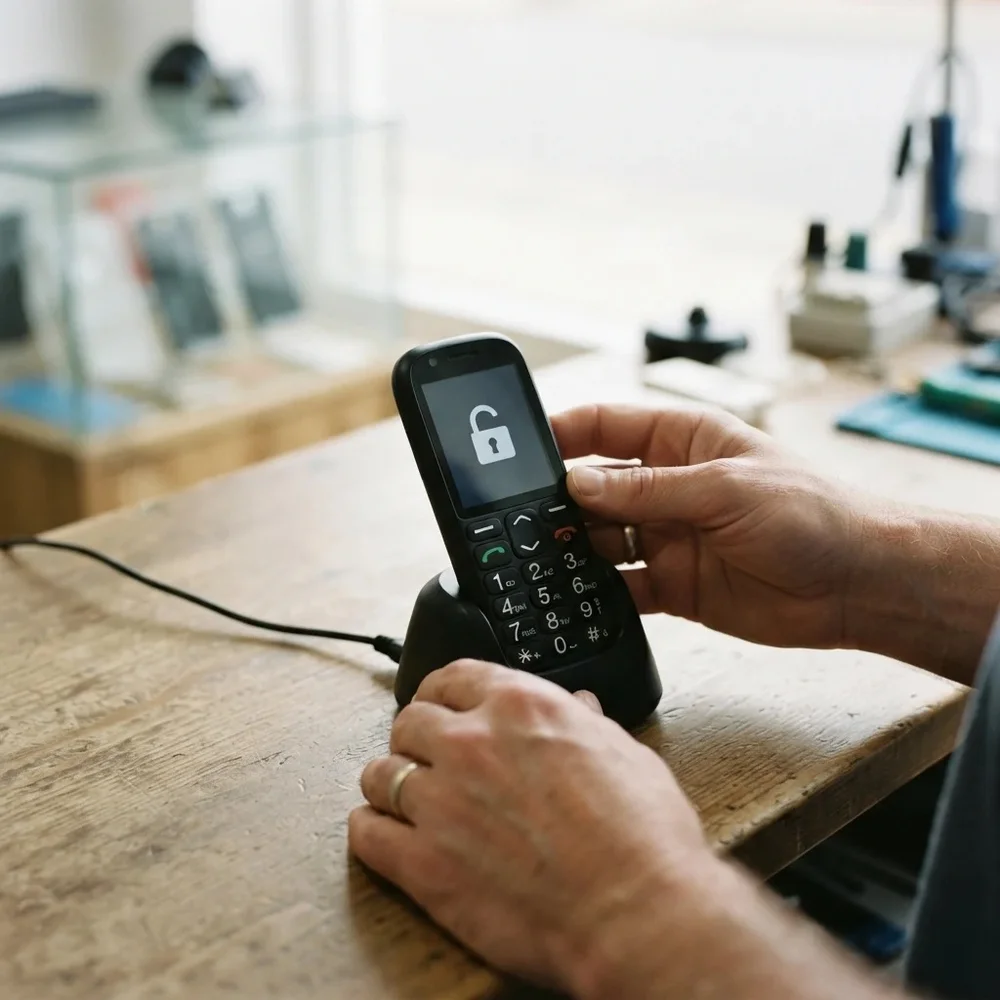
Doro phone locked to one network? Easy-to-use Doro handsets like the 345, 409s, 410s and 610 are often bought for a relative on a network deal. A permanent factory unlock code removes the lock, so the mobile phone takes a SIM card from any network and can move to a cheaper plan without changing handset.
Models covered by this unlock code
| Model | Device |
|---|---|
| Doro 345 | phone |
| Doro 345GSM | phone |
| Doro 409 | phone |
| Doro 409s | phone |
| Doro 410 | phone |
| Doro 410s | phone |
| Doro 610 | phone |
| Doro 610s | phone |
Every model on this page is £1.99. Can’t see your model? Email info@mytopup.co.uk with the model and network before you order.
Doro 409 or 409s? Checking your model
Doro makes simple phones with large buttons and clear screens, designed to be easy to use. The model number is usually printed on the label under the battery, where you will also find the IMEI. You can also check the original box or the phone’s settings menu.
The small s at the end matters. The 409 and 409s, the 410 and 410s, and the 610 and 610s are separate entries, so match the label exactly. The 345 and 345GSM are listed apart as well. If the label is hard to read, a clear photo sent to us will settle it before you order.
How to find the IMEI number
Dial *#06# and the 15-digit IMEI appears on screen. On a smartphone it is also under Settings › About phone; on older keypad phones it is printed on the sticker under the battery, and on the box. Each code is made for one IMEI, so please copy it carefully – we can’t refund a code made for a wrong IMEI.
How to enter the unlock code
- Switch the Doro off and take out the SIM card.
- Put in a SIM from another network and turn the phone on.
- The screen should ask for a network code or unlock code.
- Use the large keys to type the code from our email, then press OK.
- When the new network name shows, the phone is ready to use.
If it doesn’t ask for the code
If the Doro asks for a PIN rather than a network code, that is the SIM’s own PIN, so enter it or switch it off using another phone first. If no network code request appears, make sure the SIM comes from a different network. Should the phone reject the code, please don’t keep trying, as there is a limited number of attempts. Email info@mytopup.co.uk with your order number and we will help you through it.
How long does it take?
Most codes are sent within minutes, and normally within 6 hours. Orders placed late at night UK time may take until the next morning.
Questions
Can I unlock a Doro for my parent if I am not with them? Yes. Order with the phone's IMEI and model, and we email the code to you. You can then read the steps to them over the phone or enter it yourself next time you visit.
Will unlocking change the big-button settings or contacts? No. The code only lifts the network lock. Speed-dial keys, contacts and text size settings stay exactly as they were, so nothing needs setting up again.
Will unlocking delete my data or affect the warranty? No. A factory unlock code only removes the network lock.
Reviews
There are no reviews yet.