Huawei 3G dongle locked to its original network? USB sticks such as the E1552, E156G, E161 and E169 were often sold locked by the network that supplied them. A permanent factory unlock code, made from the dongle’s IMEI, lets it work with a data SIM from any provider, so your laptop goes online on the network you choose.
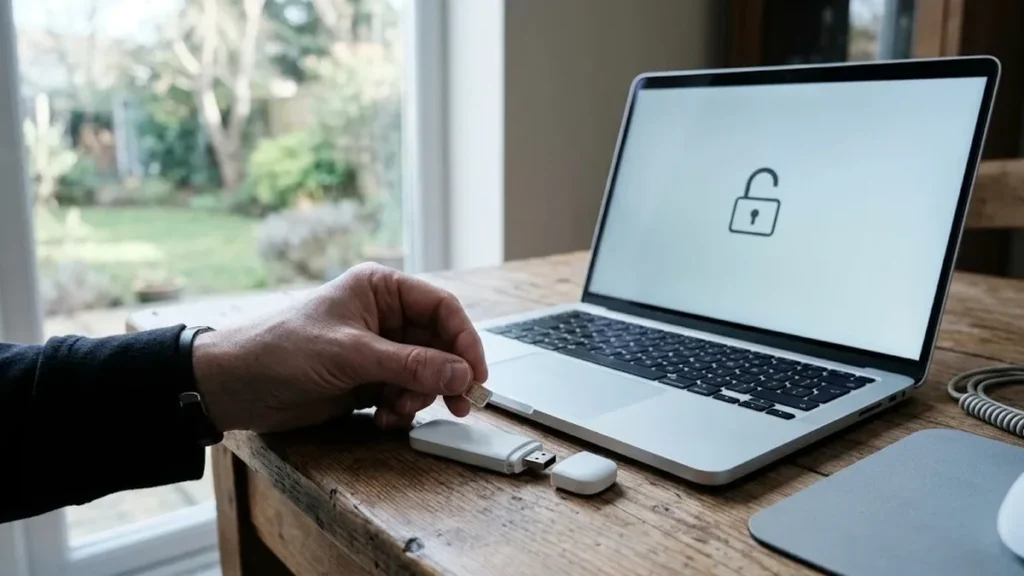
Models covered by this unlock code
| Model | Device |
|---|---|
| Huawei E153 | USB modem |
| Huawei E155 | USB modem |
| Huawei E1551 | USB modem |
| Huawei E1552 | USB modem |
| Huawei E1553 | USB modem |
| Huawei E155X | USB modem |
| Huawei E156 | USB modem |
| Huawei E156B | USB modem |
| Huawei E156C | USB modem |
| Huawei E156G | USB modem |
| Huawei E156X | USB modem |
| Huawei E158 | USB modem |
| Huawei E159 | USB modem |
| Huawei E159G | USB modem |
| Huawei E1609 | USB modem |
| Huawei E161 | USB modem |
| Huawei E1612 | USB modem |
| Huawei E1615 | USB modem |
| Huawei E1616 | USB modem |
| Huawei E161E | USB modem |
| Huawei E162G | USB modem |
| Huawei E1630 | USB modem |
| Huawei E1632 | USB modem |
| Huawei E166 | USB modem |
| Huawei E166G | USB modem |
| Huawei E169 | USB modem |
| Huawei E1690 | USB modem |
| Huawei E1692 | USB modem |
| Huawei E169G | USB modem |
Every model on this page is £1.99. Can’t see your model? Email info@mytopup.co.uk with the model and network before you order.
Finding the model on a Huawei E15x or E16x stick
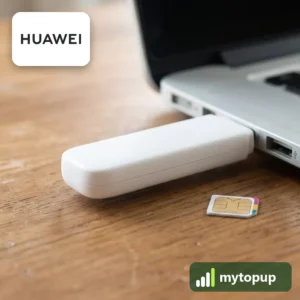
Every model here is a USB mobile broadband dongle, the kind that plugs straight into a laptop. Pull off the cap or slide away the SIM cover and you will find a small label printed with the model and IMEI. Network branding on the outside often hides the Huawei name entirely.
Many of these differ only by a final letter or digit. E156, E156B, E156C and E156G are listed separately, so are E169 and E169G, and the E1551, E1552 and E1553 are not interchangeable either. If your exact code is not listed, email us before ordering rather than picking the closest one.
How to find the IMEI number
Dial *#06# and the 15-digit IMEI appears on screen. On a smartphone it is also under Settings › About phone; on older keypad phones it is printed on the sticker under the battery, and on the box. Each code is made for one IMEI, so please copy it carefully – we can’t refund a code made for a wrong IMEI.
How to enter the unlock code
- Remove the original SIM and insert a data SIM from another network.
- Plug the dongle into a USB port on your computer.
- Open the dongle’s connection software; it should ask for an unlock code because the SIM is from another network.
- Enter the code from our email and click OK.
- Set up the new network’s APN in the software if needed, then connect.
If it doesn’t ask for the code
Branded connection software sometimes refuses a foreign SIM without showing an unlock box. Close it, uninstall it, then install generic Huawei Mobile Partner software or try the dongle on another computer. Make sure the inserted SIM is from a different network and does not ask for a PIN. If the dongle refuses the code, do not keep trying, as the number of attempts is limited and running out can block the unlock. Email info@mytopup.co.uk with your order number.
How long does it take?
Most codes are sent within minutes, and normally within 6 hours. Orders placed late at night UK time may take until the next morning.
Questions
Will my old network's dashboard still work after unlocking? It may, but some branded dashboards are tied to their network and will not connect with another SIM. If yours refuses, use generic Huawei software instead and add the new network's APN settings.
Can I use this dongle on a newer computer? The unlock itself does not change compatibility. Whether an older dongle runs on a newer computer depends on drivers and software, so test it with your current SIM before ordering if you are not sure.
Will unlocking delete my data or affect the warranty? No. A factory unlock code only removes the network lock.
Reviews
There are no reviews yet.