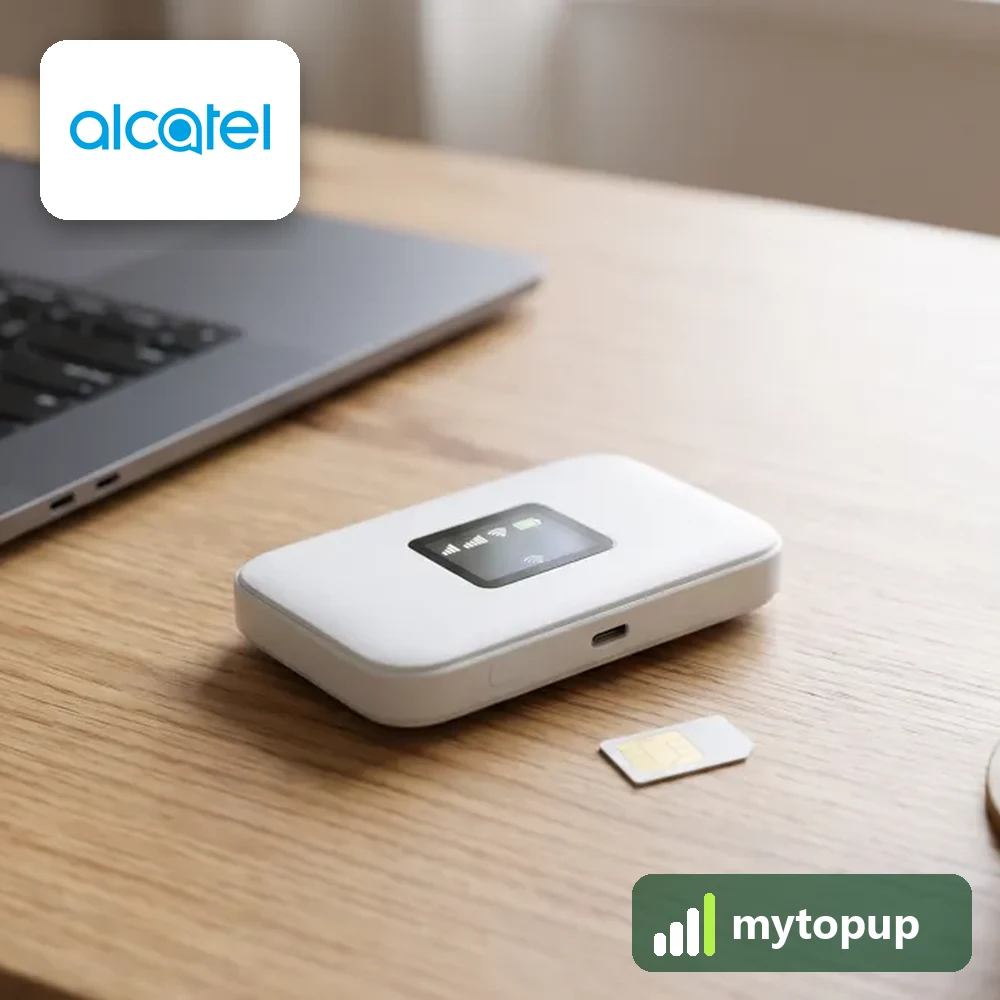
Your MW40V only takes one network’s SIM? We supply permanent factory unlock codes for the Alcatel MW40V Linkzone pocket WiFi, including units sold as an Airbox and the Airtel MW40VD. Once the code is entered, the hotspot accepts SIM cards from any network, so you can choose a cheaper data plan or use a local SIM abroad.
This unlock code covers: Alcatel MW40V Linkzone, Airbox and Airtel MW40VD.
Finding the exact version of your Linkzone
The MW40V is a small battery-powered 4G hotspot. It shares its mobile data with phones, tablets and laptops over WiFi. Different networks sold it under their own names, which is why one unit says Linkzone and another says Airbox.
Take off the back cover and lift out the battery. The sticker underneath shows the model and the IMEI. Look closely at the end of the model: MW40V and MW40VD are separate entries, and the Airtel version carries the D. People also mix up the MW40V with the later MW40 variants, so copy exactly what the sticker says.
How to find the IMEI number
The 15-digit IMEI is on the label under the battery cover or on the back, and the device’s web page shows it under device information. Each code is made for one IMEI, so please copy it carefully – we can’t refund a code made for a wrong IMEI.
How to unlock the mobile WiFi
- Switch the Linkzone off and fit a SIM from another network.
- Turn it on and join its WiFi from your phone or laptop, using the password on the sticker.
- In a browser, open the admin address shown on the label, usually 192.168.1.1, and sign in.
- Type the unlock code from our email into the network unlock box and apply it.
- Reboot the hotspot and wait for it to register on the new network.
If it doesn’t ask for the code
No unlock box on the admin page? Make sure you are logged in, then check the SIM is from a different network and has no PIN lock. Some firmware shows the box only on the home or SIM screen, so look there. If the code is rejected once, do not keep guessing, because the device allows only a limited number of attempts. Email info@mytopup.co.uk with your order number and the model from under the battery.
How long does it take?
Most codes are sent within minutes, and normally within 6 hours. Orders placed late at night UK time may take until the next morning.
Questions
Is the code for an Airtel MW40VD different from a UK MW40V? Every code is calculated from the IMEI of that one unit, so no two are the same. Choose the model that matches your sticker so we use the right method.
Do I need the Linkzone app to unlock it? No. The browser admin page is enough. The app may show the same screens, but the unlock box is easiest to find in the web page.
Will unlocking delete my data or affect the warranty? No. A factory unlock code only removes the network lock.
Reviews
There are no reviews yet.