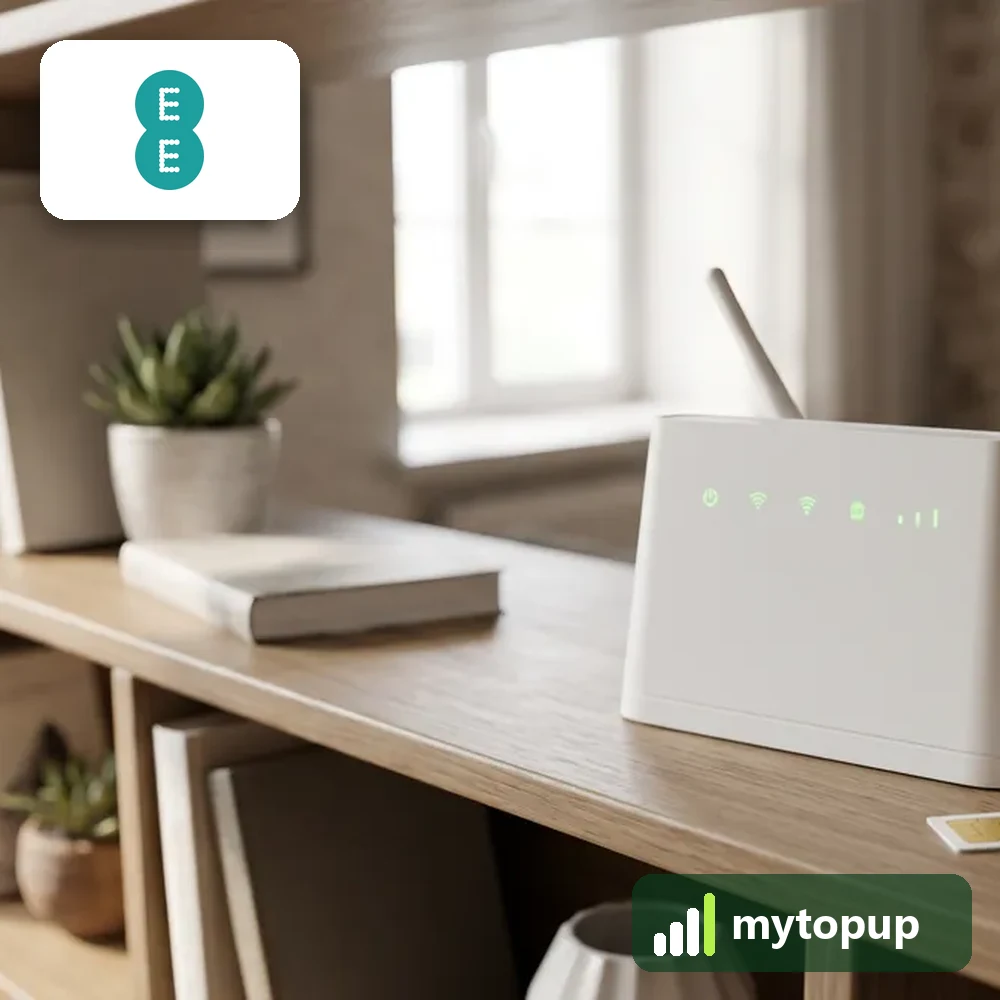
Want to use your 4GEE router with a cheaper data SIM? We unlock the EE 4GEE Home Router HH70VB, plus the 4GEE WiFi Mini EE70 and the EE120 pocket hotspot. Your code is a permanent factory unlock code calculated from the IMEI, and it lets the device run on a SIM card from any network.
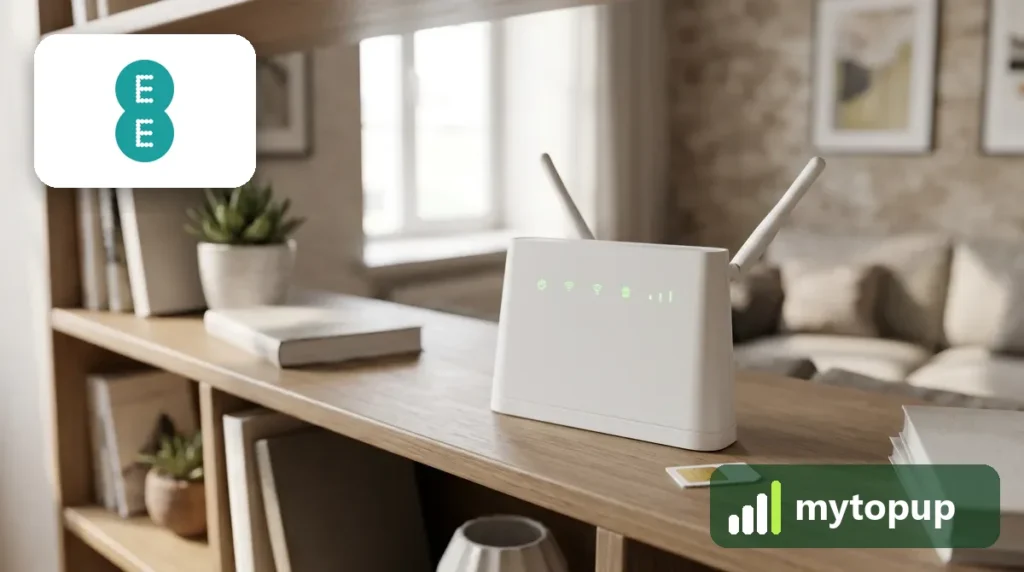
This unlock code covers: EE 4GEE Router HH70VB, 4GEE WiFi Mini EE70 and EE120.
Home router or 4GEE WiFi Mini? Matching your EE device
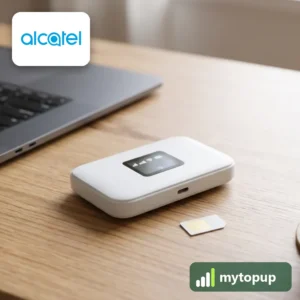
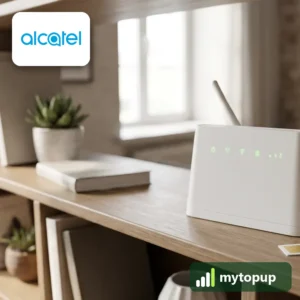
The HH70VB is a mains-powered 4G home router. It sits indoors and shares a mobile connection over WiFi and Ethernet. The EE70 and EE120 are battery pocket hotspots for use on the move. All are Alcatel-made units sold under the EE name.
The router’s label is on its base. On the pocket units, take off the back cover and lift the battery. Copy the model in full. HH70VB and HH70 are listed differently, and the EE70 is often confused with the older EE60VB. The label also shows the IMEI we need.
How to find the IMEI number
The 15-digit IMEI is on the label on the base or back of the router, and its admin page shows it under device or system information. Each code is made for one IMEI, so please copy it carefully – we can’t refund a code made for a wrong IMEI.
How to unlock the router
- Put a SIM from another network into the router or hotspot.
- Power it on and connect to its WiFi, or use an Ethernet cable on the HH70VB.
- Open a browser and go to the admin address on the label, often 192.168.1.1, then log in.
- Open the SIM or network page, enter the unlock code and save.
- Restart the device and check it picks up the new network.
If it doesn’t ask for the code
If the admin page shows no unlock option, check that the SIM is from a network other than EE and has no PIN. Log in with the admin password from the label, not the WiFi key. If you can’t sign in, a reset brings back the label defaults. If the code fails, do not keep trying, because there is a limited number of attempts. Email info@mytopup.co.uk with your order number.
How long does it take?
Most codes are sent within minutes, and normally within 6 hours. Orders placed late at night UK time may take until the next morning.
Questions
Will the HH70VB keep its WiFi settings after unlocking? Yes. The unlock removes only the network lock. Your WiFi name, password and the devices already connected to the HH70VB stay as they are, so nothing needs setting up again.
Does the HH70VB need a data-only SIM? Any SIM from another network will unlock it, but for a home router a data-only SIM is usually the sensible choice, as voice and text allowances are no use to the router.
Will unlocking delete my data or affect the warranty? No. A factory unlock code only removes the network lock.
Reviews
There are no reviews yet.