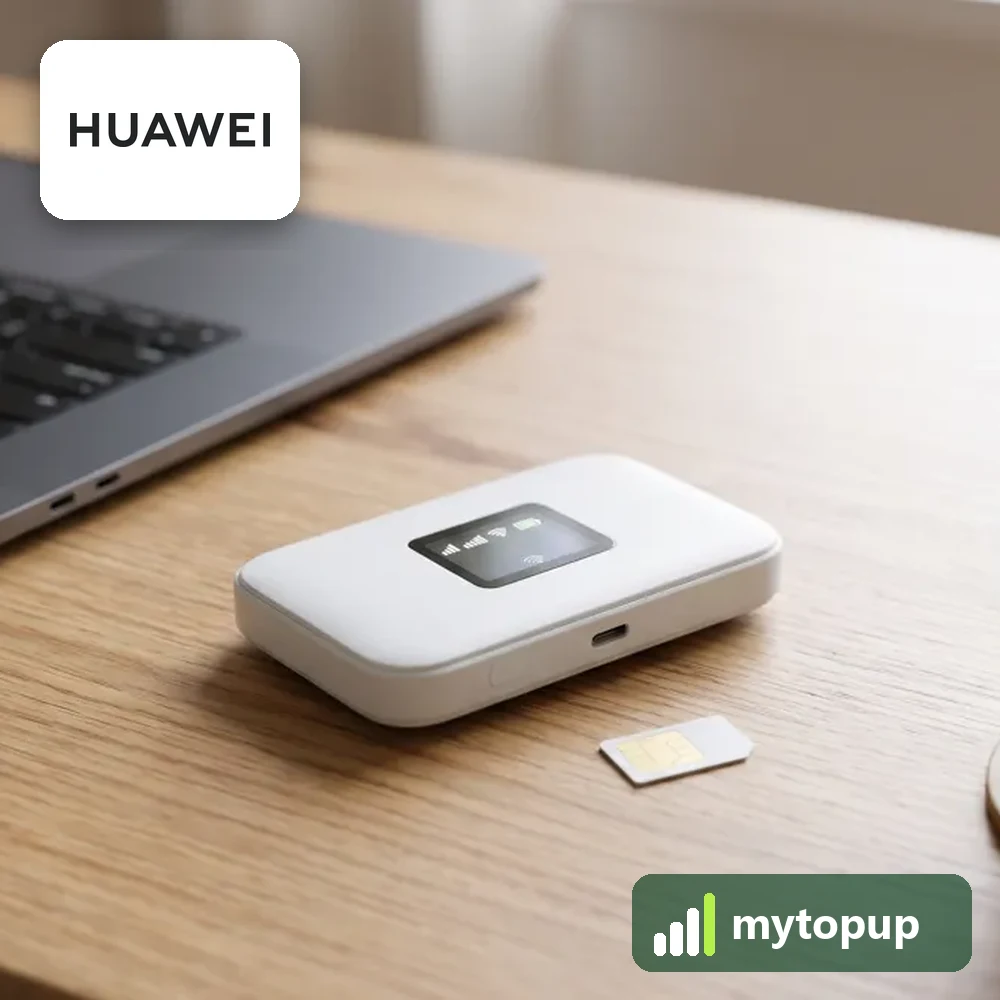
Huawei E586 hotspot that won’t accept another SIM? The E586 is a pocket mobile WiFi device that networks often sold locked. We send a permanent factory unlock code based on the IMEI. Once it is entered on the admin page, your E586 shares data from any network’s SIM card.
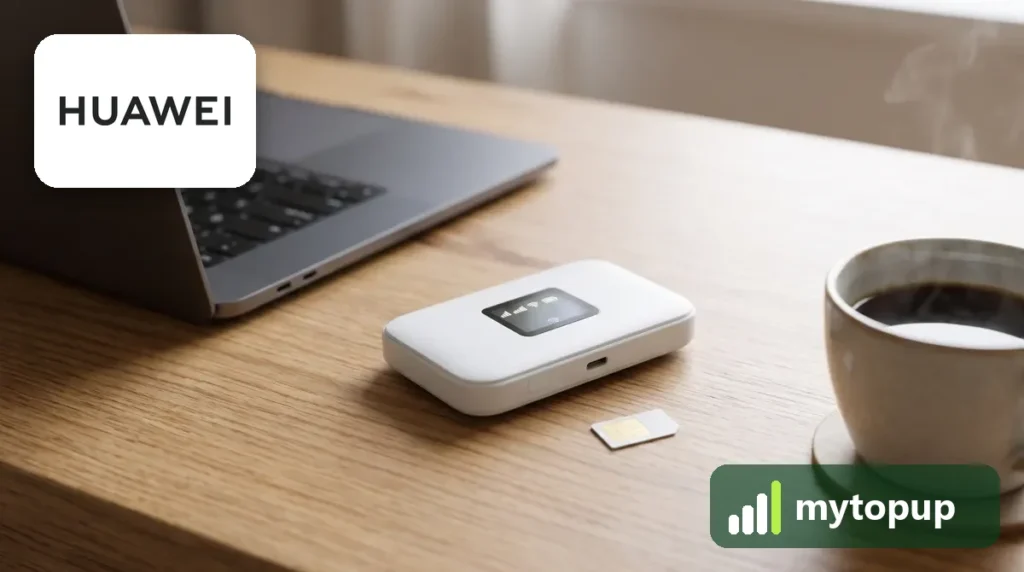
This unlock code covers: Huawei E586.
About the Huawei E586 pocket hotspot
The E586 is a battery-powered mobile hotspot with a small display. It shares one mobile data connection with several phones, tablets or laptops over WiFi.
Open the back cover and take out the battery to find the label with the model and IMEI. Read the model in full. The E586 is easy to confuse with the E585, which is an older model in the same style, and with the E586E. If yours says E585 or E586E, use our E585 / E586E page instead.
How to find the IMEI number
The 15-digit IMEI is on the label under the battery cover or on the back, and the device’s web page shows it under device information. Each code is made for one IMEI, so please copy it carefully – we can’t refund a code made for a wrong IMEI.
How to unlock the mobile WiFi
- Switch off the E586 and fit a SIM from another network.
- Turn it on and connect to its WiFi using the key printed inside the cover.
- Open your browser at the address on the label and log in to the admin page.
- Find the SIM unlock prompt and type the code from our email.
- Restart the E586 and confirm it picks up the new network.
If it doesn’t ask for the code
If you are not asked for a code, check that the SIM comes from another network and that its PIN is turned off. Log in to the admin page, as the request often appears only there. If the code is refused, stop and do not enter guesses, because the E586 has a limited number of attempts. Email info@mytopup.co.uk with your order number and the model shown on the label.
How long does it take?
Most codes are sent within minutes, and normally within 6 hours. Orders placed late at night UK time may take until the next morning.
Questions
Can I enter the code from my phone instead of a laptop? Yes. Join the E586's WiFi on your phone, open the admin address in the phone's browser and log in. The unlock box works the same way it does on a laptop, so you can enter the code there.
Will unlocking let me use the E586 abroad? Yes. With a local SIM fitted, the E586 can connect in other countries, as long as the network there uses frequencies the hotspot supports. Check that before you buy a SIM abroad.
Will unlocking delete my data or affect the warranty? No. A factory unlock code only removes the network lock.
Reviews
There are no reviews yet.