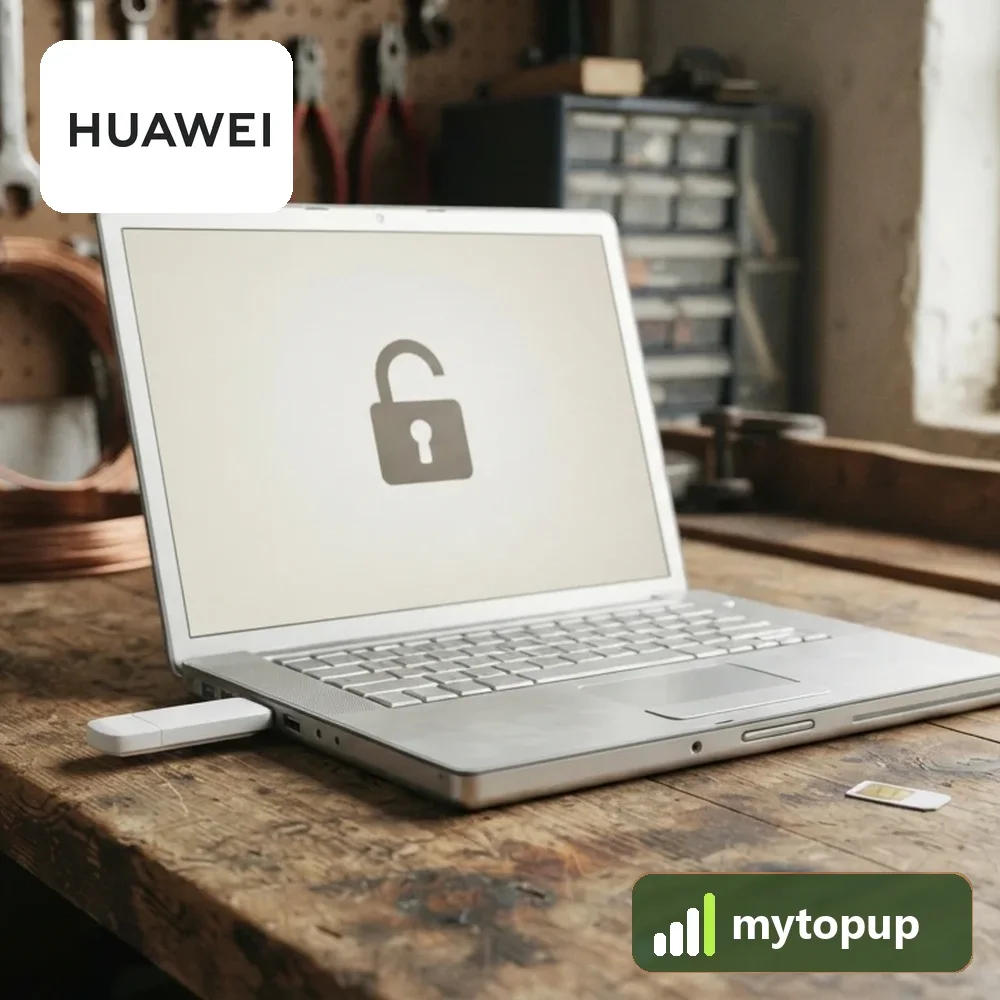
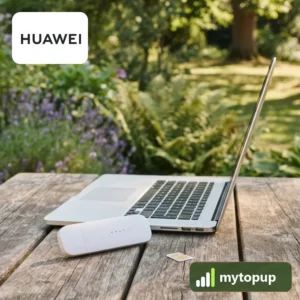
Huawei E122 dongle showing a SIM error? That usually means it is still locked to the network that supplied it. We provide a permanent factory unlock code for this compact USB modem, made from its IMEI. Enter it once and the E122 accepts a SIM card from any network you like.

This unlock code covers: Huawei E122.
What the Huawei E122 is and where its label sits
The E122 is a small USB mobile broadband modem for laptops and desktops. Like most Huawei sticks of its time, it carries its own connection software that installs when you plug it in.
The model number and IMEI are on a sticker under the cap or beside the SIM slot. If the sticker is worn, the box or the dashboard’s device information screen also shows the IMEI. Make sure it says E122 and not E1820 or E173, which are other common Huawei sticks of a similar size.
How to find the IMEI number
The 15-digit IMEI is printed on the dongle itself – usually on a sticker under the cap or the SIM cover – and the connection software shows it under device information. Each code is made for one IMEI, so please copy it carefully – we can’t refund a code made for a wrong IMEI.
How to unlock the dongle
- Fit a SIM card from another network in the E122’s SIM slot.
- Plug the modem into your computer and run its connection software.
- Enter the unlock code from our email in the box that asks for it.
- Unplug and refit the modem once the software accepts the code.
- Connect using the new network’s settings.
If it doesn’t ask for the code
If the software never asks for a code, check that the SIM is from a different network and has no PIN. Old network dashboards sometimes block the prompt; remove that software and try Huawei’s generic program or another computer. If the code is rejected, do not try again blindly, as the modem has a limited number of attempts. Email info@mytopup.co.uk with your order number.
How long does it take?
Most codes are sent within minutes, and normally within 6 hours. Orders placed late at night UK time may take until the next morning.
Questions
Is the code tied to my laptop? No. The code belongs to the dongle's IMEI, not to any computer. Once the E122 is unlocked, it stays unlocked on any laptop or desktop you plug it into, so you only enter the code once.
Can a reset lock the E122 again? No. A factory unlock is permanent. Resetting the dongle, reinstalling the dashboard or moving it to another computer does not bring the network lock back, so you never need to order a second code.
Will unlocking delete anything? No. The unlock code only removes the network lock. Nothing else on the device is changed.
Reviews
There are no reviews yet.