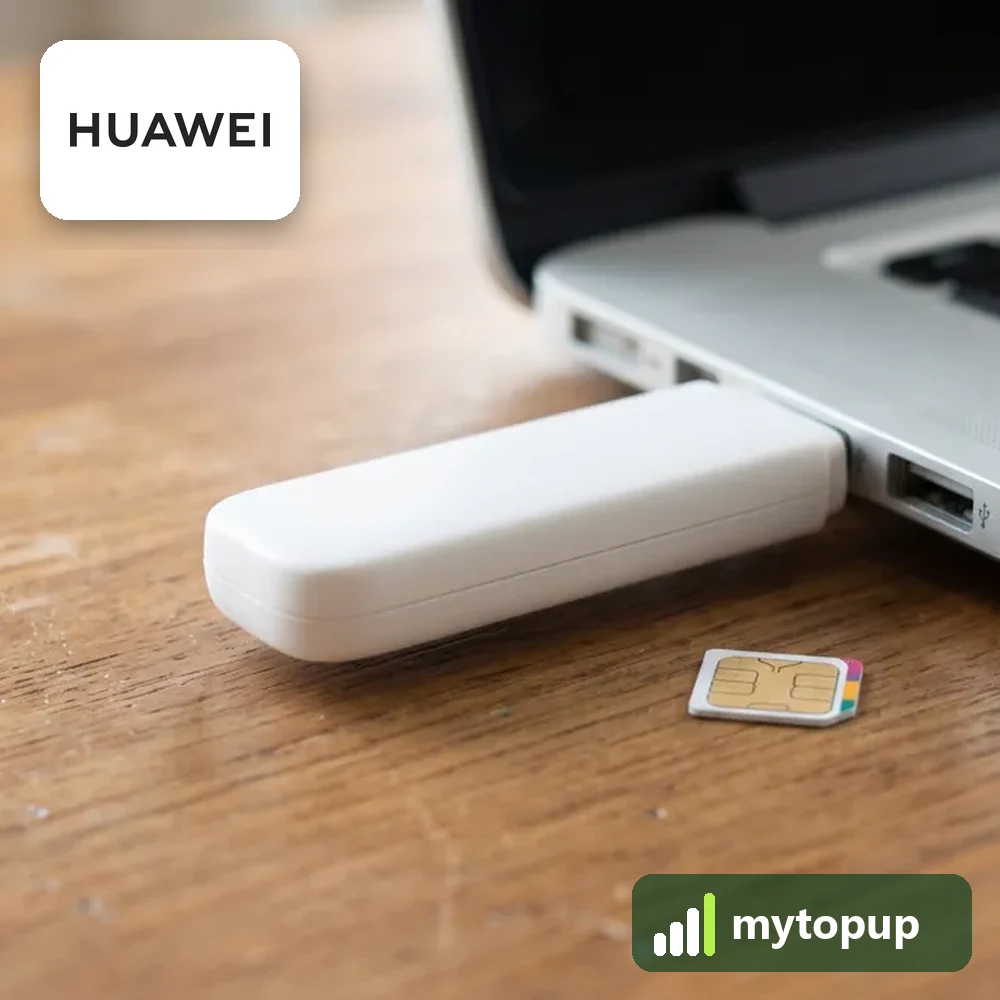
Need your Huawei E160 dongle free of its network? This page covers the plain E160 and the E160E, E160G and E160X versions of this 3G USB modem. Send us the IMEI and we email a permanent factory unlock code, after which the stick accepts a SIM card from any network.
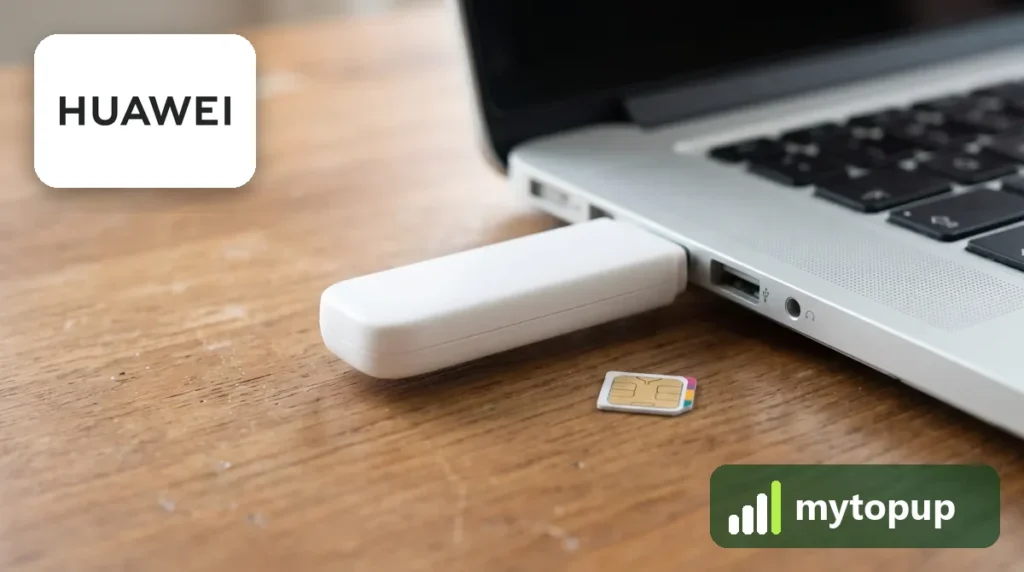
This unlock code covers: Huawei E160, E160E, E160G and E160X.
Telling the E160, E160E, E160G and E160X apart
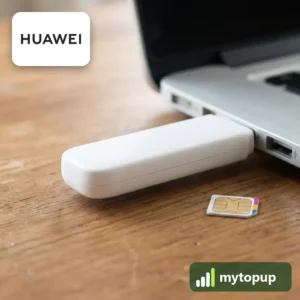
The E160 family are small 3G USB sticks for laptops. They look alike from the outside, and the version letter is the only quick way to tell them apart.
Remove the cap and the SIM cover. The label lists the model and the IMEI. The last letter, E, G or X, shows which version you have. Some labels show just E160 with no letter, and that is fine too. Choose the version that matches the label, because owners regularly pick E160G when the stick says E160E. The E1550 also looks similar but needs its own page.
How to find the IMEI number
The 15-digit IMEI is printed on the dongle itself – usually on a sticker under the cap or the SIM cover – and the connection software shows it under device information. Each code is made for one IMEI, so please copy it carefully – we can’t refund a code made for a wrong IMEI.
How to unlock the dongle
- Slide a SIM from a different network into the E160.
- Connect the stick to a USB port and wait for the dashboard to start.
- Type the unlock code from our email when the dashboard asks for it.
- Confirm, then wait for the software to show the new network’s name.
- If needed, add the new network’s APN settings in the connection profile.
If it doesn’t ask for the code
A missing unlock prompt is usually caused by the old network’s software. Close it, try Huawei’s generic dashboard, or use a different laptop. Make sure the SIM is not PIN-locked and is from a network other than the one the stick is locked to. If you get a wrong-code message, stop. There is a limited number of attempts. Email info@mytopup.co.uk quoting your order number and the label details.
How long does it take?
Most codes are sent within minutes, and normally within 6 hours. Orders placed late at night UK time may take until the next morning.
Questions
My label just says E160. Which option should I choose? Choose the plain E160 option. Your code is calculated from the IMEI, so the version letter only matters when your label actually shows one. If you are unsure, send us a photo of the label with your order.
Can I use the unlocked E160 in a car router? Many routers with a USB port accept this stick once it is unlocked, but support depends on the router's own firmware. Check the router maker's list of compatible dongles before you rely on it.
Will unlocking delete my data or affect the warranty? No. A factory unlock code only removes the network lock.
Reviews
There are no reviews yet.