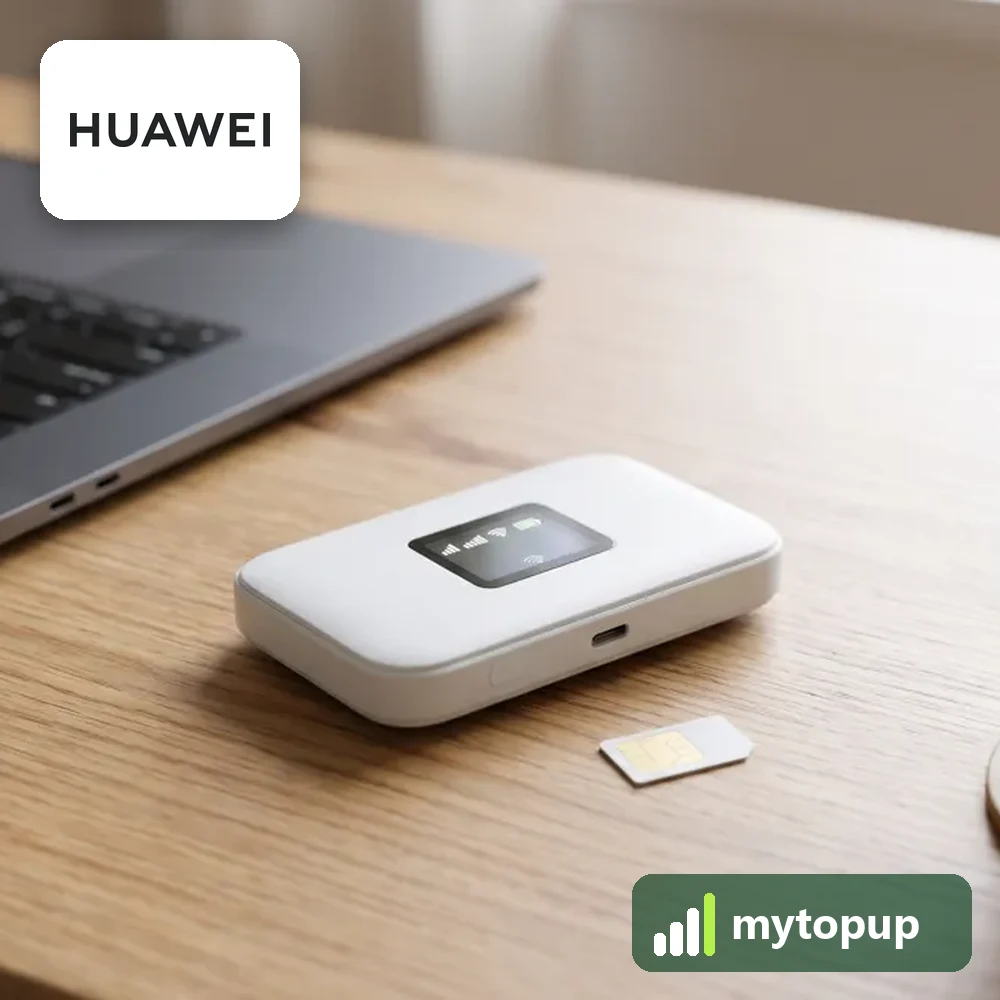
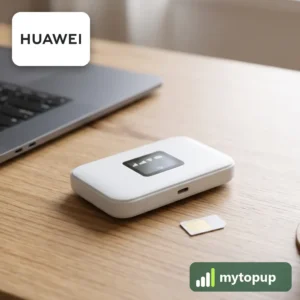
Huawei E5332s-2 locked to the network that sold it? This pocket mobile WiFi hotspot, sometimes labelled E53321, shares one SIM’s data with your other devices. We work out a permanent factory unlock code from the IMEI. Enter it on the admin page and the E5332s-2 works with any network’s SIM card.
This unlock code covers: Huawei E5332s-2 (E53321).
Why your E5332 may say E53321
The E5332s-2 is a battery-powered 3G hotspot from Huawei’s E533x range. On some labels the model is printed as E53321, with the s and dash dropped, which confuses many owners. It is the same unit.
Take off the back cover and remove the battery to read the model, IMEI and WiFi key. Make sure it reads E5332 and not E5330 or E5331. Those models look almost identical, and the last digit is easy to misread. If yours is an E5330 or E5331, use our R207 / E5330 page.
How to find the IMEI number
The 15-digit IMEI is on the label under the battery cover or on the back, and the device’s web page shows it under device information. Each code is made for one IMEI, so please copy it carefully – we can’t refund a code made for a wrong IMEI.
How to unlock the mobile WiFi
- Put a SIM card from another network into the E5332s-2.
- Switch it on and connect to its WiFi from your computer or phone.
- Open 192.168.8.1 in your browser and log in to the admin page.
- Enter the unlock code from our email where the page asks for it.
- Restart the hotspot and check it connects with the new SIM.
If it doesn’t ask for the code
If the admin page does not open, make sure you are on the E5332’s WiFi and try the address printed on the label. If there is no unlock box, check that the SIM is from a different network and has no PIN. Should the code be rejected, stop rather than guessing, as only a limited number of attempts are allowed. Email info@mytopup.co.uk with your order number.
How long does it take?
Most codes are sent within minutes, and normally within 6 hours. Orders placed late at night UK time may take until the next morning.
Questions
My label shows E53321, not E5332s-2. Is this the right page? Yes. E53321 is the same E5332s-2 hotspot, just printed without the s and the dash on some labels. You can order on this page and choose that model.
Can I unlock the E5332s-2 from a tablet? Yes. Join the hotspot's WiFi on the tablet, open 192.168.8.1 in its browser and log in. You can then type the unlock code into the box just as you would on a laptop.
Will unlocking delete anything? No. The unlock code only removes the network lock. Nothing else on the device is changed.
Reviews
There are no reviews yet.