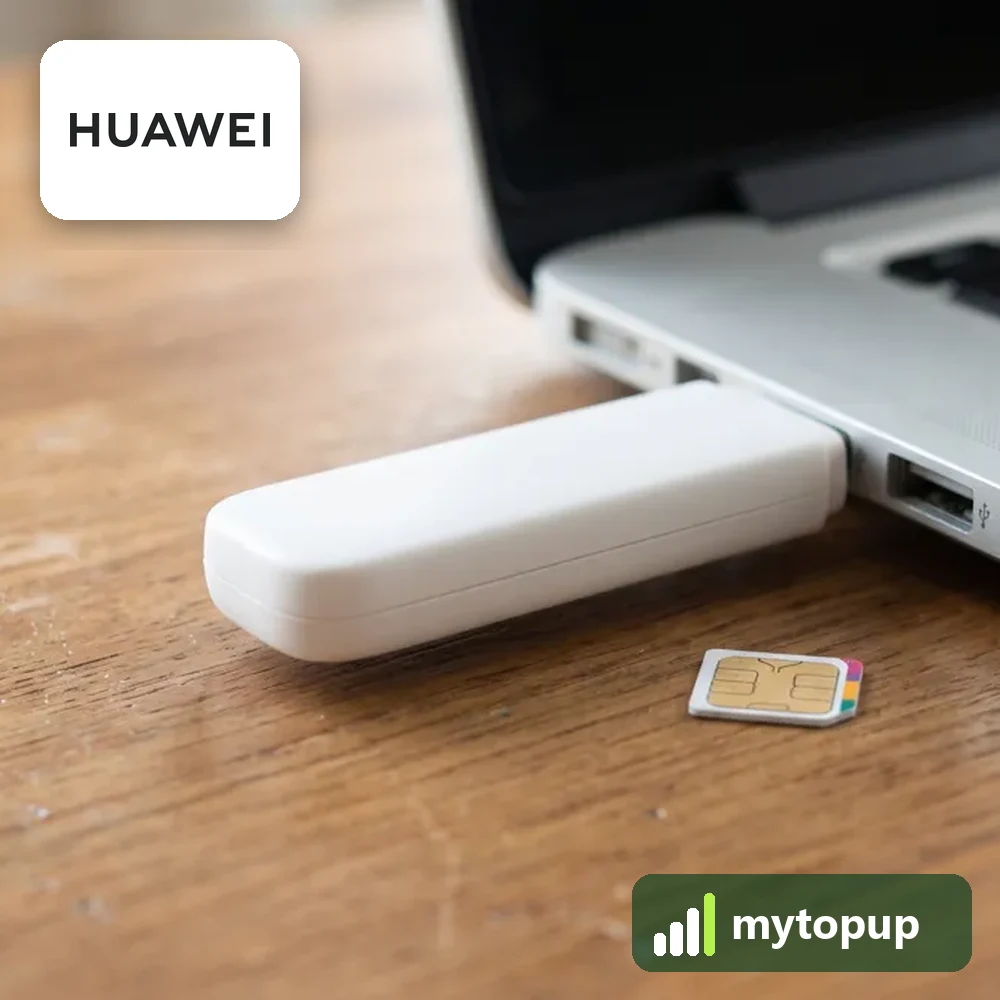
Your Huawei S4011 is locked to one network? This USB mobile broadband modem was sold through network deals and usually leaves the box locked. Our permanent factory unlock code is made from your S4011’s IMEI. Once entered, the dongle accepts a SIM card from any network.
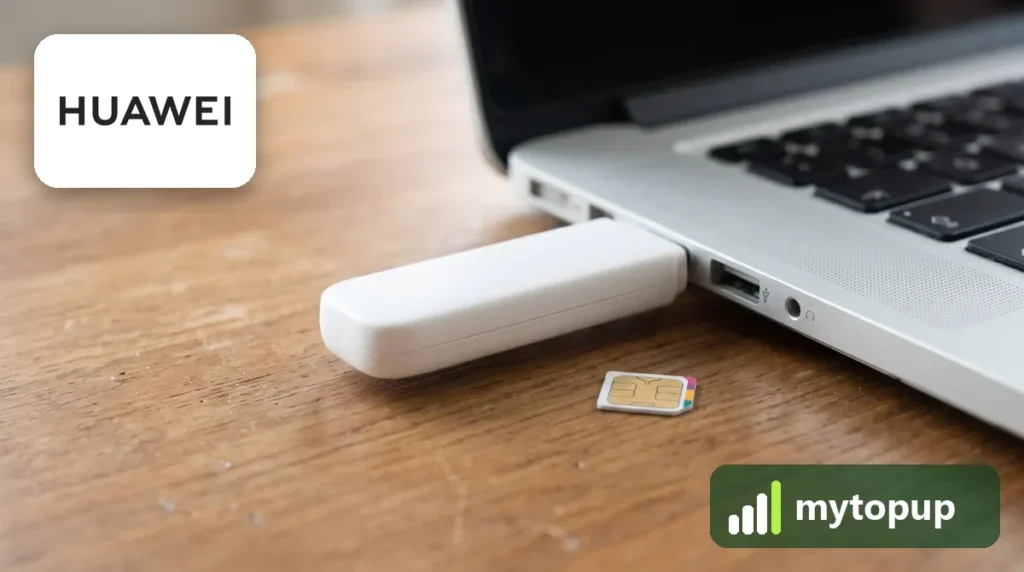
This unlock code covers: Huawei S4011.
Reading the model and IMEI on the S4011
The S4011 is a Huawei USB modem rather than a phone or hotspot. It needs a computer to run, and its network lock shows up when you plug it in with a SIM from another network.
Look for the label under the cap or near the SIM slot. It shows the model and a 15-digit IMEI. Copy the model exactly as printed. The S-series name is less common than Huawei’s E-numbers, so people sometimes order an E-series code by mistake. If your label shows an E-number instead, choose that model’s page.
How to find the IMEI number
The 15-digit IMEI is printed on the dongle itself – usually on a sticker under the cap or the SIM cover – and the connection software shows it under device information. Each code is made for one IMEI, so please copy it carefully – we can’t refund a code made for a wrong IMEI.
How to unlock the dongle
- Insert a SIM from a network other than the one it is locked to.
- Plug the S4011 into your computer and open its connection program.
- When the program asks for an unlock code, type in the code we emailed you.
- Confirm, then remove and reinsert the modem.
- Create a profile with the new network’s APN if it does not connect straight away.
If it doesn’t ask for the code
If you do not see an unlock box, close the original network’s software and try Huawei’s generic connection program or a different computer. Double-check the SIM is from a different network and has no PIN. If the code is not accepted, stop rather than retrying, because there is a limited number of attempts. Email info@mytopup.co.uk with your order number and a photo of the label so we can check it.
How long does it take?
Most codes are sent within minutes, and normally within 6 hours. Orders placed late at night UK time may take until the next morning.
Questions
Can I find the IMEI without opening the modem? Yes. The connection program usually lists the IMEI under device or diagnostics information, and the original box has it printed on a sticker. Compare both if the label on the modem is hard to read.
Does unlocking change the modem's speed? No. Unlocking only removes the network restriction. Your speed depends on the new network's coverage where you are and on the data plan you choose, not on the unlock code itself.
Will unlocking delete my data or affect the warranty? No. A factory unlock code only removes the network lock.
Reviews
There are no reviews yet.