
Got an old Virgin Mobile phone made by Alcatel? Handsets like the VM565, VM575, V607 and VM800 left the shop locked to Virgin Mobile. A permanent factory unlock code removes that lock, so the mobile phone takes a SIM from any network you choose, whether you stay in the UK or travel.
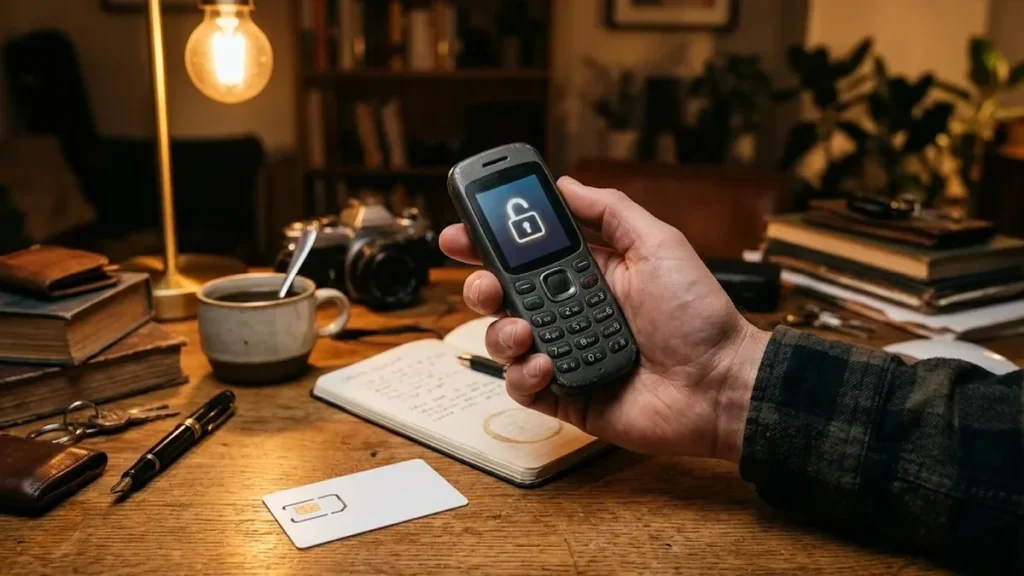
Models covered by this unlock code
| Model | Also known as | Device |
|---|---|---|
| Virgin V570 | Alcatel-made Virgin Mobile phone | phone |
| Virgin V607 | Alcatel-made Virgin Mobile phone | phone |
| Virgin VM363 | Alcatel-made Virgin Mobile phone | phone |
| Virgin VM506 | Alcatel-made Virgin Mobile phone | phone |
| Virgin VM560 | Alcatel-made Virgin Mobile phone | phone |
| Virgin VM565 | Alcatel-made Virgin Mobile phone | phone |
| Virgin VM575 | Alcatel-made Virgin Mobile phone | phone |
| Virgin VM621I | Alcatel-made Virgin Mobile phone | phone |
| Virgin VM800 | Alcatel-made Virgin Mobile phone | phone |
Every model on this page is £1.99. Can’t see your model? Email info@mytopup.co.uk with the model and network before you order.
Which Virgin Mobile handset is yours?
These are mobile phones that Alcatel built for Virgin Mobile and sold with Virgin branding on the front. The Alcatel name usually only appears on the label inside. Turn the phone off, remove the back cover and battery, and read the model on the sticker, next to the IMEI. You can also dial *#06# to show the IMEI on screen.
Watch the prefix and the last character. V570 and VM575 are different phones, as are VM560 and VM565, even though they look close in a list. The VM621I carries an extra I at the end, so choose that entry only if your label shows it.
How to find the IMEI number
Dial *#06# and the 15-digit IMEI appears on screen. On a smartphone it is also under Settings › About phone; on older keypad phones it is printed on the sticker under the battery, and on the box. Each code is made for one IMEI, so please copy it carefully – we can’t refund a code made for a wrong IMEI.
How to enter the unlock code
- Power the Virgin phone down and remove the Virgin SIM.
- Fit a SIM from another network, then turn the phone on.
- A message such as Enter network key or SIM network unlock PIN should appear.
- Key in the unlock code exactly as emailed and press OK.
- Make a test call to confirm the new network works.
If it doesn’t ask for the code
If the phone simply says the SIM is invalid without asking for a code, restart it with the battery out for a moment and try a pay-as-you-go SIM from a completely different network. Make sure the SIM PIN is switched off too. If the phone rejects the code, do not keep entering it, because there is only a limited number of attempts. Send your order number to info@mytopup.co.uk and we will look into it.
How long does it take?
Most codes are sent within minutes, and normally within 6 hours. Orders placed late at night UK time may take until the next morning.
Questions
Will unlocking remove the Virgin logo or menus? No. The unlock code only lifts the network restriction. The phone keeps its Virgin start-up screen, menus and settings, but it will now work with any SIM card you put in.
I can't find the model under the battery. What else can I check? Look at the original box, which normally has a label with the model and IMEI. If you have neither, email us a photo of the phone and its battery compartment and we will help you identify it before ordering.
Will unlocking delete my data or affect the warranty? No. A factory unlock code only removes the network lock.
Reviews
There are no reviews yet.