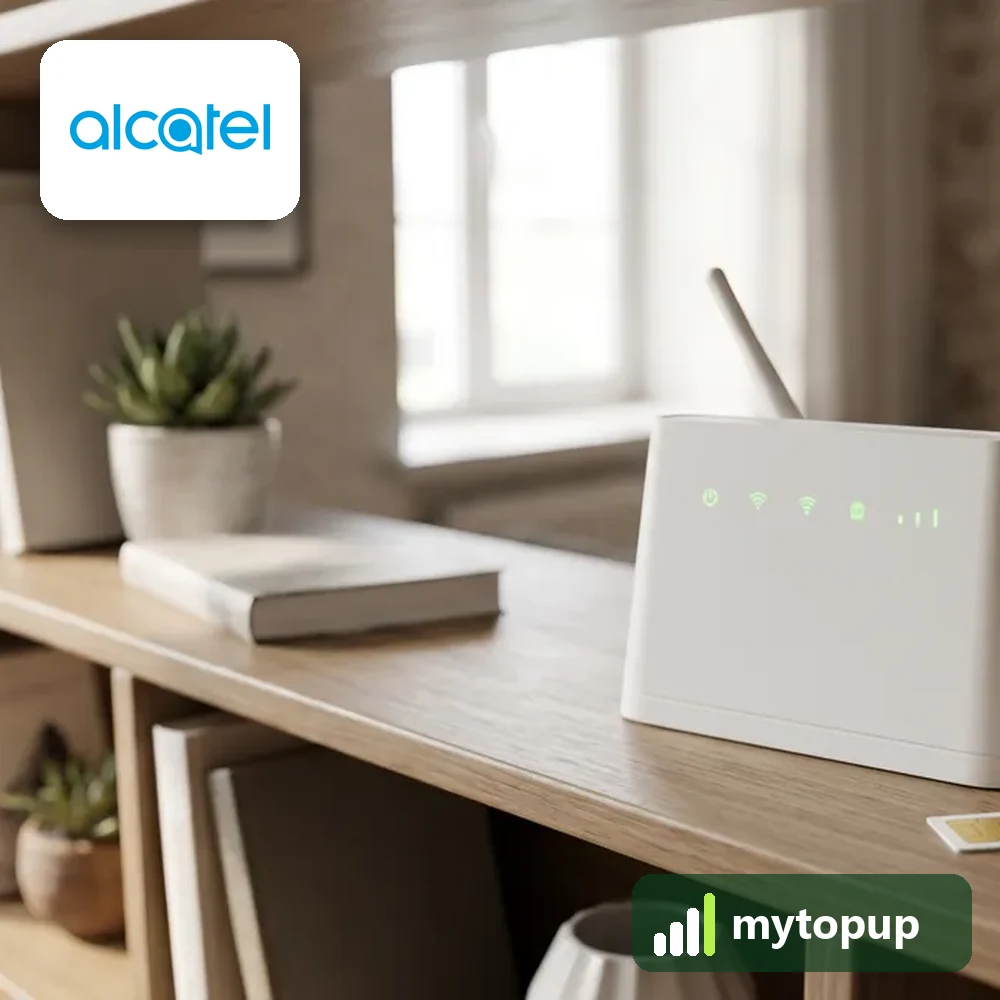
Stuck on one network with an Alcatel 4G box? This page covers Alcatel’s own-brand mobile broadband kit: LinkKey USB sticks, LinkZone pocket WiFi units and LinkHub home routers. A permanent factory unlock code, made from your device’s IMEI, removes the network lock so your modem or router accepts a SIM from any network you choose.
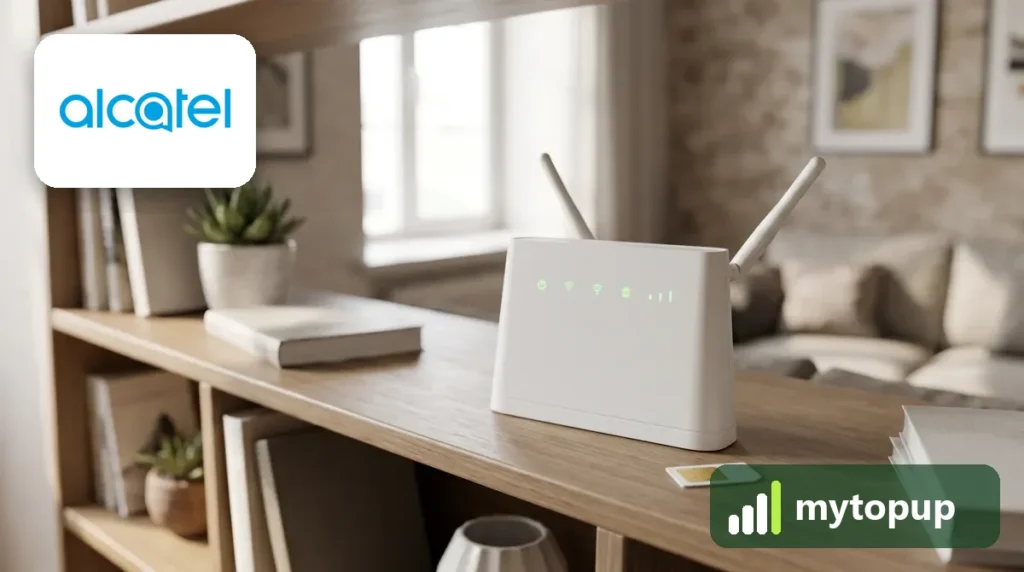
This unlock code covers: Alcatel 4G modems and routers.
Is your Alcatel a USB stick, pocket WiFi or home router?
Alcatel builds three kinds of data device. A LinkKey is a USB stick that plugs straight into a laptop. A LinkZone is a battery-powered pocket hotspot. A LinkHub is a mains-powered 4G router that sits on a shelf at home. All three use a network unlock code entered on their web admin page.
Read the model from the label: under the cap on a stick, under the battery or back cover on a pocket unit, and on the base of a router. Copy the whole code, letters included, such as IK40V or HH40V. The final letter usually shows the network or region version, so include it with your order. If your model has its own page in our shop, use that one instead.
How to find the IMEI number
The 15-digit IMEI is on the label on the base or back of the router, and its admin page shows it under device or system information. Each code is made for one IMEI, so please copy it carefully – we can’t refund a code made for a wrong IMEI.
How to unlock the router
- Put a SIM from a different network into the modem or router.
- Power it up and connect your computer or phone to it, by USB for a stick or by WiFi for a pocket unit or router.
- Open a browser and go to the admin address printed on the label (on many Alcatel units it is 192.168.1.1) and log in.
- When the page asks for a network unlock code, type the code from our email and confirm.
- Restart the device and check that it now connects on the new SIM.
If it doesn’t ask for the code
If the admin page never asks for a code, check the SIM really is from another network and that it has no SIM PIN set. Log in to the admin page rather than relying on old connection software, and look under the SIM or network settings for the unlock box. If the code is refused, stop there: there is a limited number of tries. Email info@mytopup.co.uk with your order number and the exact model from the label.
How long does it take?
Most codes are sent within minutes, and normally within 6 hours. Orders placed late at night UK time may take until the next morning.
Questions
My router is EE-branded but made by Alcatel. Should I order here? Check our EE pages first, as many EE Osprey and 4GEE units have their own listing. If your model is not there, order here and give the full model from the label so we can match it correctly.
Will unlocking reset my WiFi name and password? No. Entering the unlock code only removes the network restriction. Your WiFi name, password and admin settings stay as they are, unless you choose to do a factory reset yourself.
Will unlocking delete my data or affect the warranty? No. A factory unlock code only removes the network lock.
Reviews
There are no reviews yet.