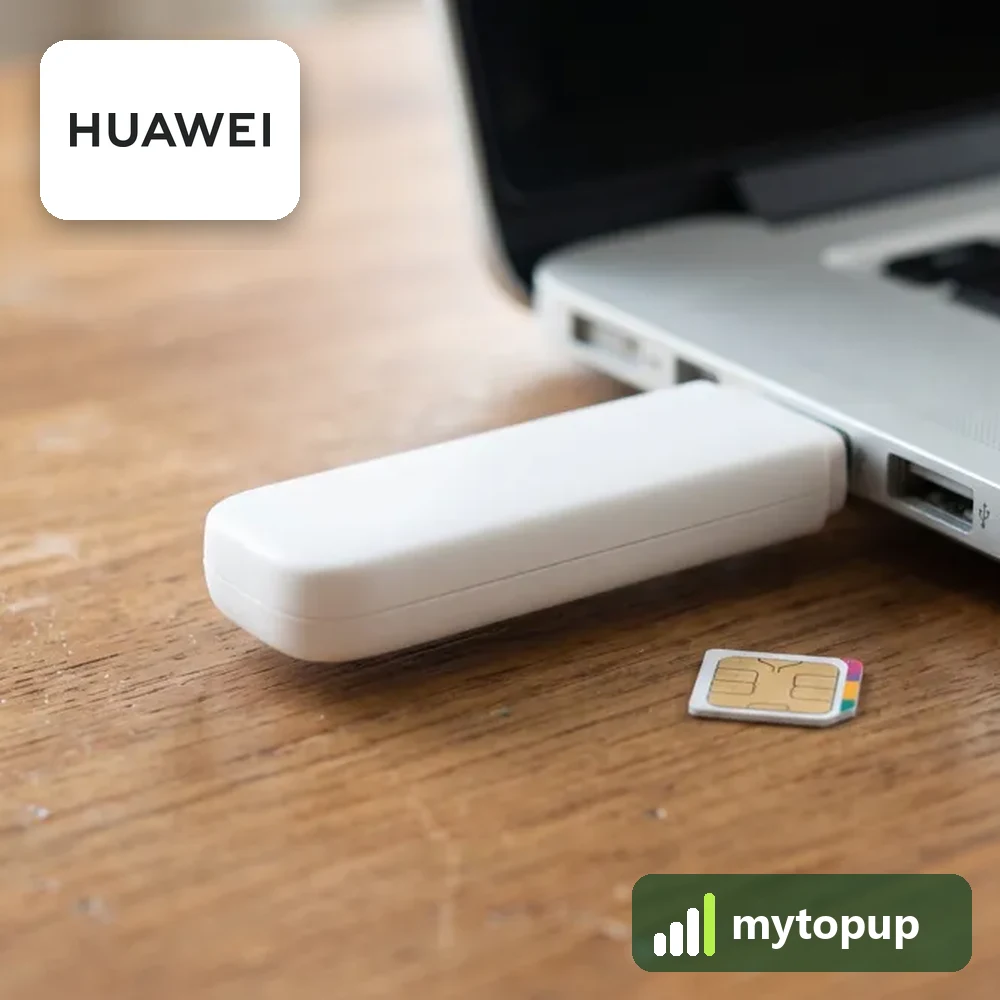
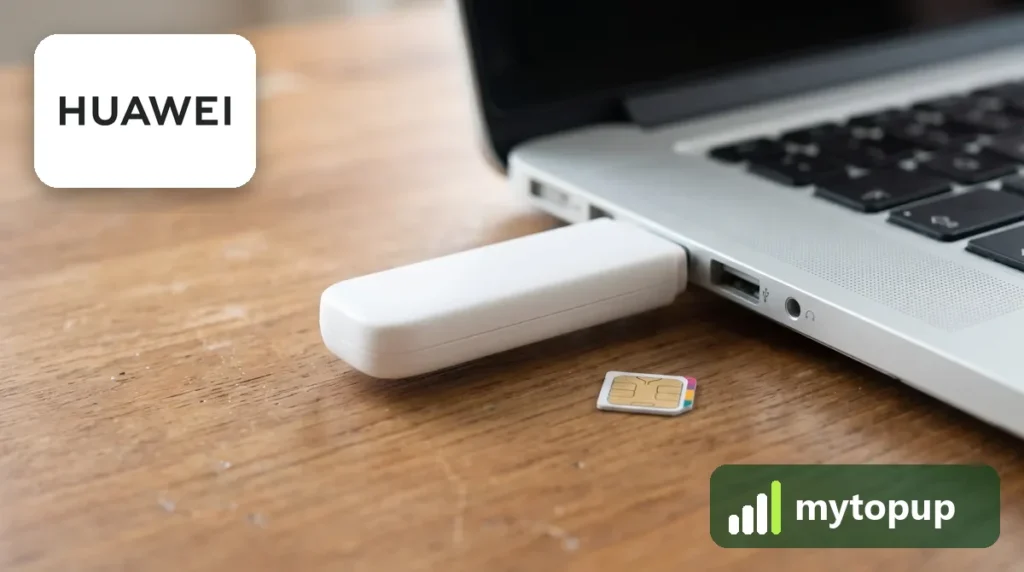
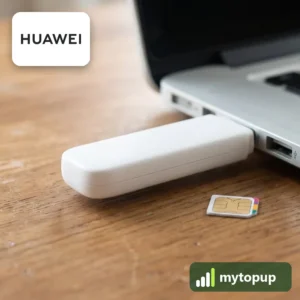
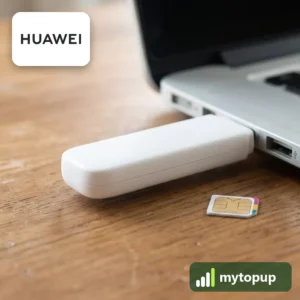
Unlock your Huawei E3131 USB dongle with a permanent factory unlock code, so you can use a SIM card from any network – in the UK or abroad. Just send us the IMEI number and we email your code.
What you get
- A factory unlock code made for your device’s IMEI number.
- A permanent network unlock – it stays unlocked after updates and resets.
- Use any SIM card: switch network for a better data deal, or use a local SIM when travelling.
- No software to install and no need to send the dongle anywhere.
How to find the IMEI number
The 15-digit IMEI is printed on the label of the dongle, usually under the cap or the cover. Each unlock code only works for one IMEI, so please copy it carefully – we can’t refund a code made for a wrong IMEI. See our guide to finding your IMEI.
How to unlock the Huawei E3131
- Order the code and enter the IMEI number.
- Put a SIM card from another network into the dongle and plug it into your computer.
- Open the dongle’s dashboard or web page (usually 192.168.8.1). It asks for an unlock code.
- Type the code we emailed you. The dongle is now unlocked.
How long does it take?
Codes are usually sent within minutes, and normally within 6 hours. Orders placed late at night UK time may take until the next morning.
Questions
Will unlocking affect my data or warranty? No. A factory unlock code only removes the network lock.
The code doesn’t work. Do not keep trying wrong codes – too many attempts can lock the dongle permanently. Email info@mytopup.co.uk with your order number and we will check it.




Reviews
There are no reviews yet.