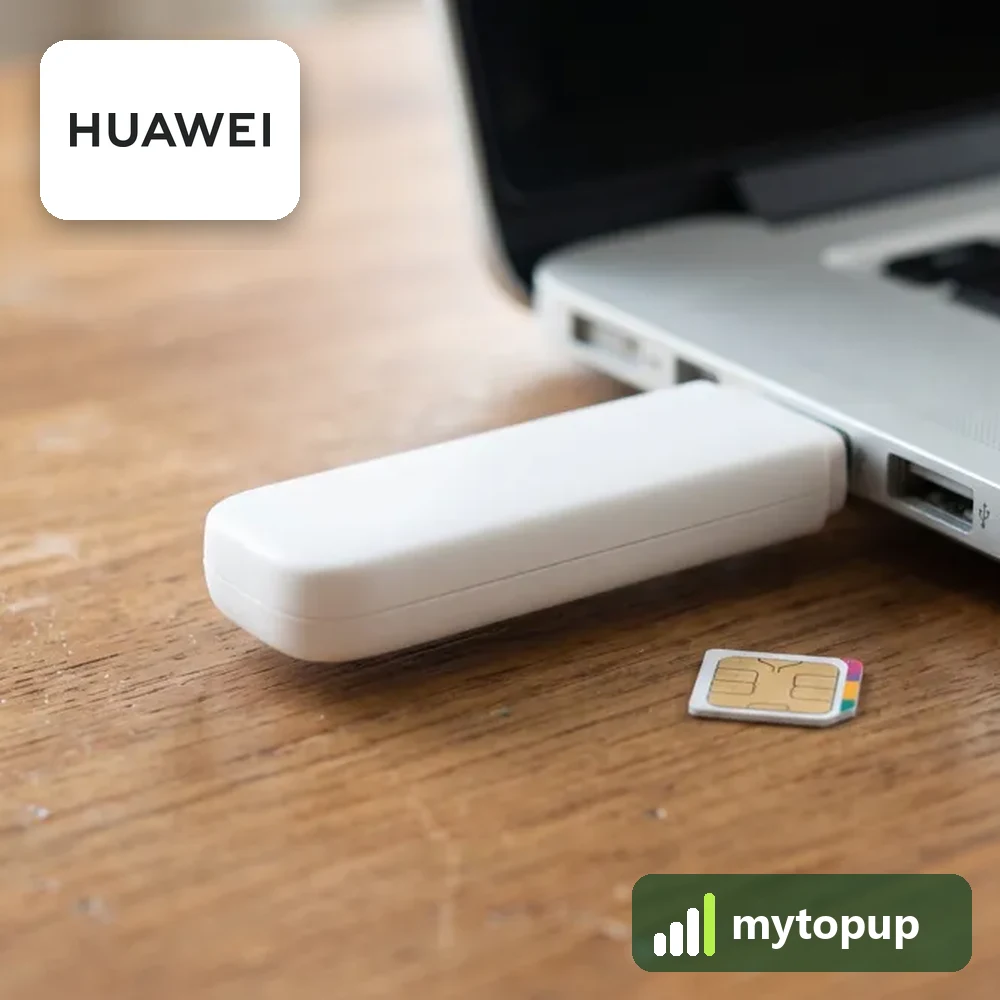
Huawei E3131 refusing a new SIM? We unlock the plain E3131 and the E3131s versions of this widely used 3G USB dongle. You get a permanent factory unlock code made from its IMEI. Enter it once and the stick takes a SIM card from any network.
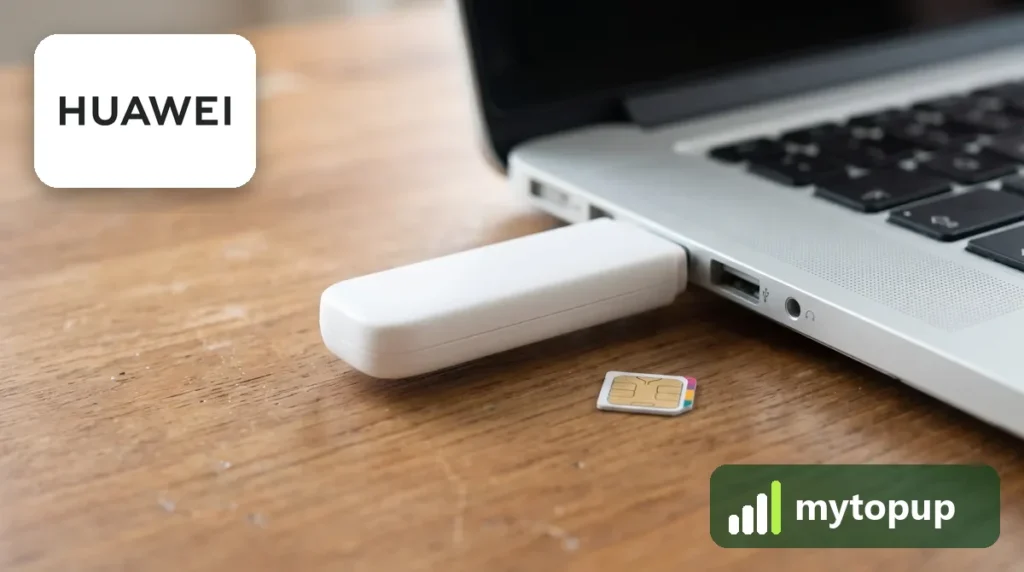
This unlock code covers: Huawei E3131 and E3131s variants.
E3131, E3131s-1 or E3131s-2: reading the label
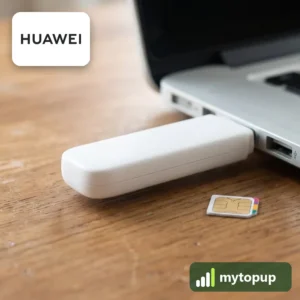
The E3131 is one of the most common Huawei USB sticks. Depending on the network that sold it, it either runs a classic dashboard program or works in HiLink mode through a web page in your browser.
Take off the cap to see the label. It shows the model and the IMEI. The s and the number after it, such as E3131s-2, mark the version, so pick the line that matches. Owners regularly mix the E3131 up with the E3231 and E3531, which differ by a single digit. Those need their own codes.
How to find the IMEI number
The 15-digit IMEI is printed on the dongle itself – usually on a sticker under the cap or the SIM cover – and the connection software shows it under device information. Each code is made for one IMEI, so please copy it carefully – we can’t refund a code made for a wrong IMEI.
How to unlock the dongle
- Fit a SIM card from a different network into the E3131.
- Plug it into the laptop; the dashboard opens, or a browser page appears at 192.168.8.1.
- Type the unlock code from our email when you are asked for it.
- Apply it, unplug the dongle and plug it back in.
- Check the new network appears and connect.
If it doesn’t ask for the code
If there is no unlock box, close the old network dashboard and try the web page at 192.168.8.1, or the reverse if your stick is a dashboard type. Make sure the SIM is from a different network and has no PIN. If the code is refused, stop and do not guess: the dongle allows only a limited number of attempts. Email info@mytopup.co.uk with your order number and the model from the label.
How long does it take?
Codes are usually sent within minutes, and normally within 6 hours. Orders placed late at night UK time may take until the next morning.
Questions
My label says E3131s-2. Is that covered? Yes. This page covers the plain E3131 and its E3131s variants, including the s-1 and s-2 versions. Choose the version that matches your label when you order so we use the right method.
Why does my E3131 open a web page instead of software? That is HiLink mode, which some networks chose for this stick. In that case the unlock code goes into the browser page at 192.168.8.1 rather than into dashboard software, and the steps are otherwise the same.
Will unlocking delete my data or affect the warranty? No. A factory unlock code only removes the network lock.
Reviews
There are no reviews yet.