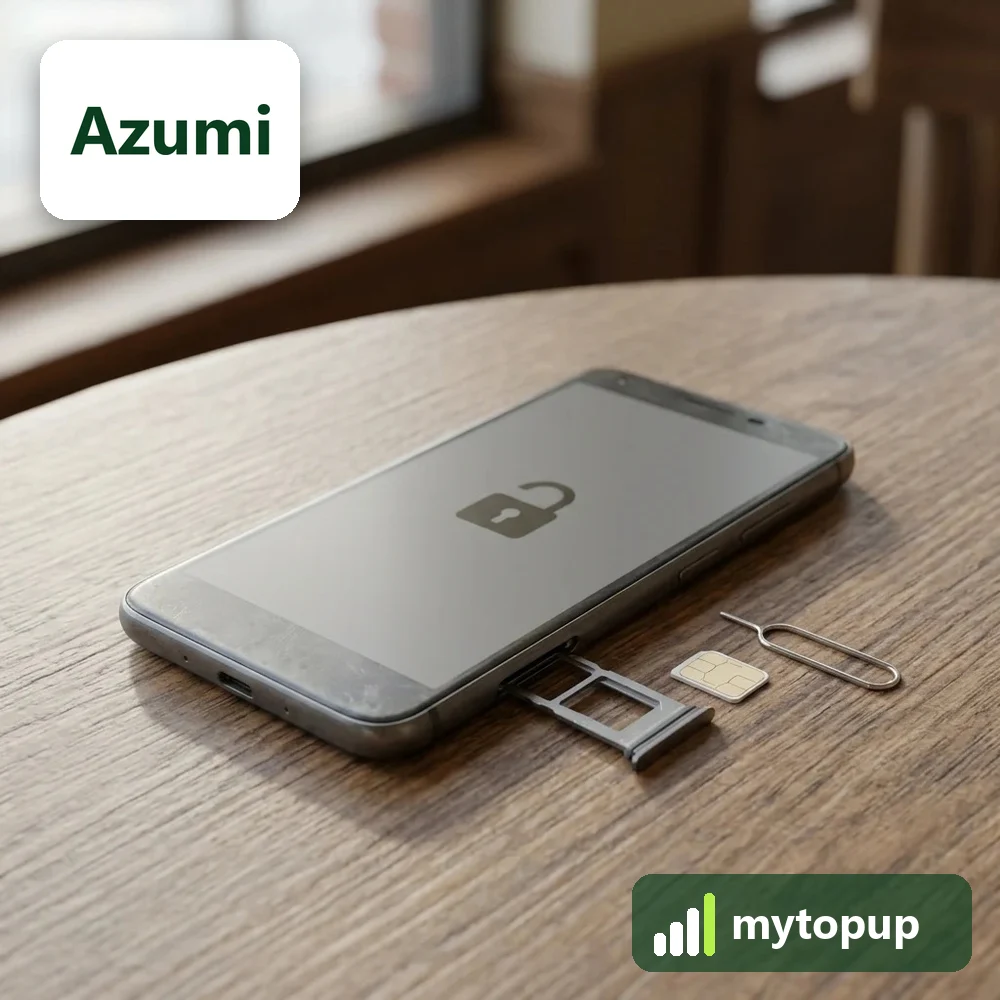
Azumi phone locked to its original network? Azumi makes budget smartphones and basic mobile phones, including the A4, A35S, L4K and Q15. A permanent factory unlock code removes the network lock, so your Azumi works with a SIM card from any network you choose, whether you are at home or travelling.
Models covered by this unlock code
| Model | Device |
|---|---|
| Azumi 5 Plus | phone |
| Azumi A35S | phone |
| Azumi A4 | phone |
| Azumi A4 Go | phone |
| Azumi Chic | phone |
| Azumi K242 | phone |
| Azumi L2U | phone |
| Azumi L2Z | phone |
| Azumi L4k | phone |
| Azumi LT40 | phone |
| Azumi Q10 | phone |
| Azumi Q15 | phone |
| Azumi V4 | phone |
Every model on this page is £1.99. Can’t see your model? Email info@mytopup.co.uk with the model and network before you order.
Telling the Azumi A, L and Q models apart
Azumi’s range runs from simple handsets to entry-level Android smartphones, and the model names are short, which makes them easy to confuse. On a smartphone, go to Settings, then About phone. On a basic phone or any model with a removable back, check the sticker under the battery, which also lists the IMEI.
Look closely at the letters. L2U and L2Z are separate phones, as are A4 and A4 Go. Q10 and Q15 sound similar but have their own entries. If your phone is labelled 5 Plus, choose the Azumi 5 Plus, not an A-series model. When in doubt, a photo of the label sent to us settles it.
How to find the IMEI number
Dial *#06# and the 15-digit IMEI appears on screen. On a smartphone it is also under Settings › About phone; on older keypad phones it is printed on the sticker under the battery, and on the box. Each code is made for one IMEI, so please copy it carefully – we can’t refund a code made for a wrong IMEI.
How to enter the unlock code
- Switch off your Azumi and remove the SIM.
- Insert a SIM from a different network.
- Turn the phone on and wait for a network unlock or network key request.
- Enter the code exactly as it appears in our email.
- Press OK, then make a short call to check it works.
If it doesn’t ask for the code
If your Azumi goes straight to the home screen without asking for a code, the new SIM may be from a network the phone already accepts, or the SIM PIN is on. Try another network’s SIM and restart. Basic Azumi handsets sometimes need the battery out for a moment before the prompt appears. Avoid repeated guesses if a code fails, because the phone only allows a limited number of attempts. Email info@mytopup.co.uk with your order number.
How long does it take?
Most codes are sent within minutes, and normally within 6 hours. Orders placed late at night UK time may take until the next morning.
Questions
How do I find the IMEI on my Azumi? Dial *#06# and the IMEI appears on screen. On dual-SIM models you may see two numbers; send us the first one. It is also printed on the box and on the sticker under the battery.
Will an Azumi A4 code also work on an A4 Go? No. Codes are made from one phone's IMEI, so they cannot be shared between handsets, even of the same model. Choose your exact model and send your own phone's IMEI.
Will unlocking delete my data or affect the warranty? No. A factory unlock code only removes the network lock.
Reviews
There are no reviews yet.