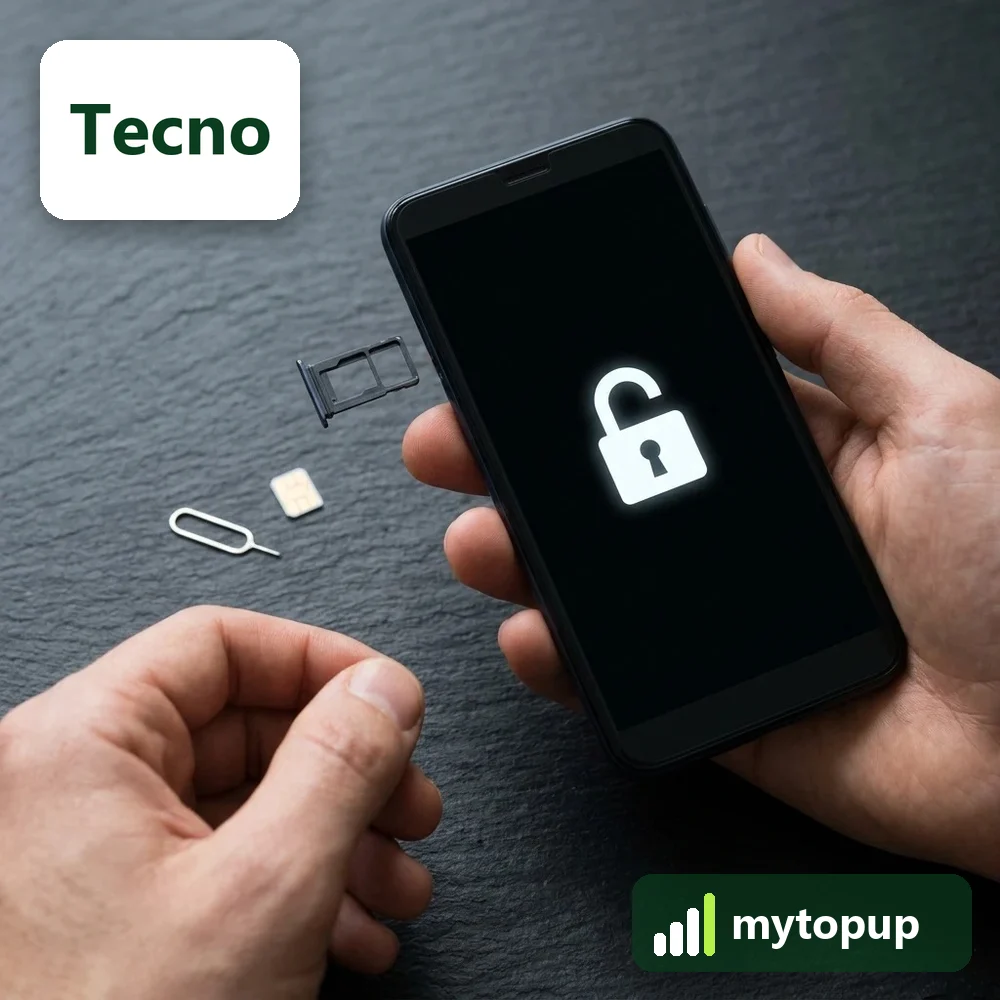
Tecno Spark, Camon or Pop locked to a network? This page covers Tecno handsets including the Spark 7 Pro, Camon 17P and Pop 2X Plus, all models that may be sold locked by networks. A permanent factory unlock code lets your Tecno smartphone use a SIM card from any network, so you can switch provider without changing phone.
Models covered by this unlock code
| Model | Device |
|---|---|
| Tecno Camon 17P | phone |
| Tecno CG7 | phone |
| Tecno KF8 | phone |
| Tecno POP 2X PLUS | phone |
| Tecno Pop x2 Air | phone |
| Tecno R6 | phone |
| Tecno R7 Plus | phone |
| Tecno RB6S | phone |
| Tecno RB7S | phone |
| Tecno RB8S | phone |
| Tecno SC7S | phone |
| Tecno SPARK 7 PRO | phone |
Every model on this page is £1.99. Can’t see your model? Email info@mytopup.co.uk with the model and network before you order.
Spark, Camon, Pop or code name: finding your Tecno
Most of the models here are Tecno Android smartphones. Some appear by marketing name, like Spark 7 Pro, while others appear by model code, like CG7, KF8 or RB7S. To see both, open Settings, then About phone, where the device name and model code are listed. The box label shows them too, along with the IMEI.
Choose with care. RB6S, RB7S and RB8S are three different devices, and so are R6 and R7 Plus. Pop 2X Plus and Pop x2 Air are separate entries too. If the name and code in About phone point to different entries, email us before ordering.
How to find the IMEI number
Dial *#06# and the 15-digit IMEI appears on screen. On a smartphone it is also under Settings › About phone; on older keypad phones it is printed on the sticker under the battery, and on the box. Each code is made for one IMEI, so please copy it carefully – we can’t refund a code made for a wrong IMEI.
How to enter the unlock code
- Turn off your Tecno and remove the SIM it is locked to.
- Fit a SIM from another network in the tray and switch on.
- When SIM network unlock PIN appears, tap the box.
- Enter the code from our email and tap Unlock.
- Give it a moment to register on the new network.
If it doesn’t ask for the code
If the unlock screen never shows, check the new SIM is from a different network and has its PIN switched off, then restart. On dual-SIM Tecno phones, try the SIM in slot one. If you closed the unlock box by mistake, a restart usually brings it back. Never keep guessing after a refused code, as Tecno phones only allow a limited number of attempts. Email info@mytopup.co.uk with your order number and the model from About phone.
How long does it take?
Most codes are sent within minutes, and normally within 6 hours. Orders placed late at night UK time may take until the next morning.
Questions
My Tecno has two SIM slots. Which IMEI do I send? Dial *#06# and send the first IMEI shown. The code is generated from that number. If the second slot still asks for a code after unlocking, email us with your order number and we will advise.
Is the code different for the Camon 17P and the CG7? Every code is unique to one IMEI. Choose the entry that matches your phone's name or code in About phone. If both seem to fit, contact us first and we will confirm the right choice.
Will unlocking delete my data or affect the warranty? No. A factory unlock code only removes the network lock.
Reviews
There are no reviews yet.