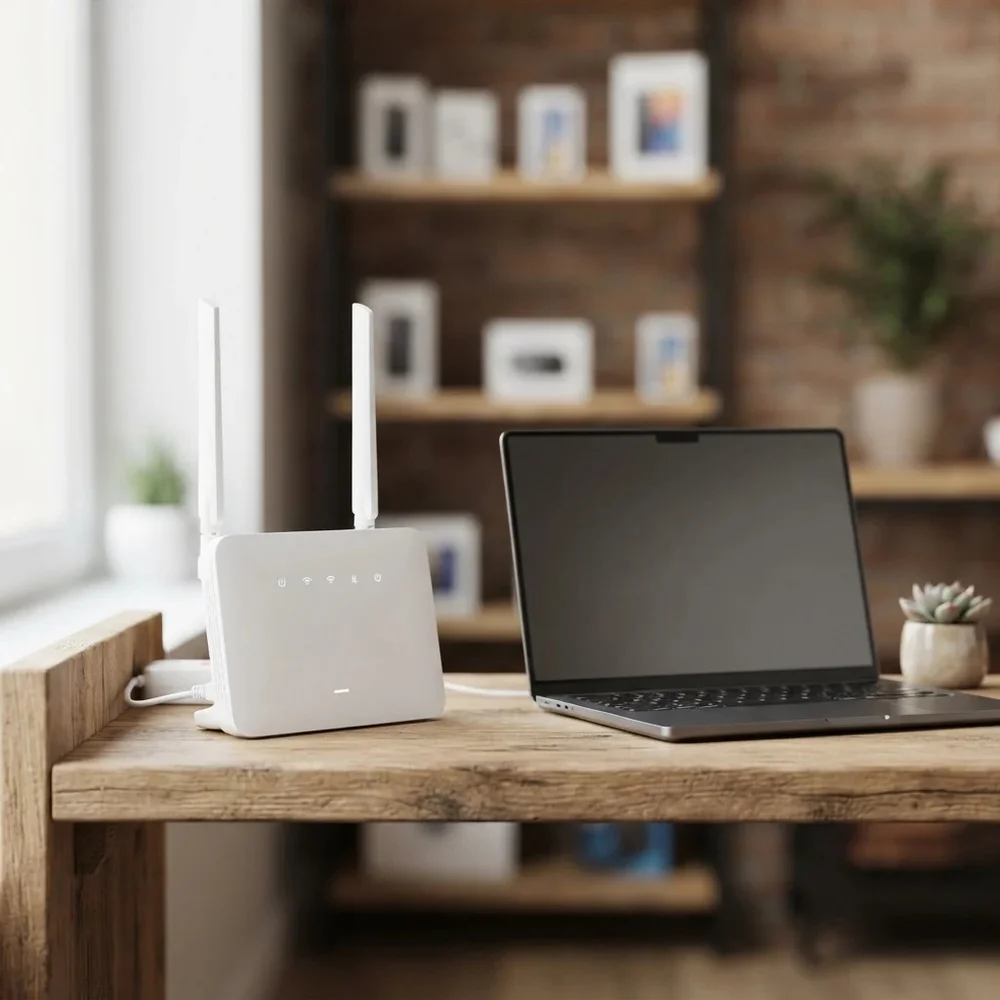
Huawei home router locked to one network? This page covers Huawei SIM-based routers and wireless units such as the B593, B260, B970 and B153 WebCube. A permanent factory unlock code removes the network lock, so your router accepts a SIM from any provider and keeps your home online on the plan you choose.
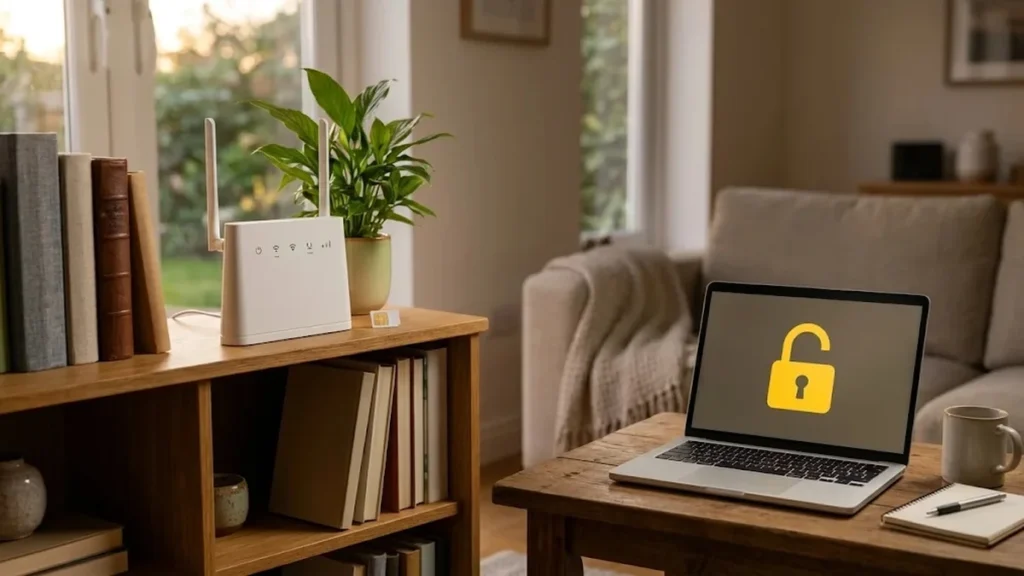
Models covered by this unlock code
| Model | Device |
|---|---|
| Huawei B153 WebCube | 4G router |
| Huawei B183 | 4G router |
| Huawei B260 | 4G router |
| Huawei B260a | 4G router |
| Huawei B593u-12 | 4G router |
| Huawei B960 | 4G router |
| Huawei B970 | 4G router |
| Huawei F615 | 4G router |
| Huawei F615-U20 | 4G router |
| Huawei HiLink | USB modem |
| Huawei 823F | 4G router |
Every model on this page is £1.99. Can’t see your model? Email info@mytopup.co.uk with the model and network before you order.
Where to find your Huawei router model
These are mains-powered units that sit at home or in an office and take a SIM card for internet, some with a socket for a landline-style handset. Turn the router over: the label on the base shows the model, IMEI, default WiFi details and admin address. Once you are logged in, the admin page usually shows the model and IMEI under device information too.
Watch the details. B260 and B260a are separate, and F615 and F615-U20 have their own entries. The 823F was sold under network branding, so pick it only if your label matches. If your label shows only HiLink with no model number, email us before ordering.
How to find the IMEI number
Dial *#06# and the 15-digit IMEI appears on screen. On a smartphone it is also under Settings › About phone; on older keypad phones it is printed on the sticker under the battery, and on the box. Each code is made for one IMEI, so please copy it carefully – we can’t refund a code made for a wrong IMEI.
How to enter the unlock code
- Power off the router and replace the SIM with one from another network.
- Switch it back on and connect to its WiFi or with a network cable.
- Type the admin address from the label into a browser (often 192.168.8.1 or 192.168.1.1) and log in.
- Enter the unlock code from our email when the page asks for it.
- Reboot the router and confirm the new network shows on the status page.
If it doesn’t ask for the code
Routers often only show the unlock request after you have logged in to the admin page, so check every menu for a SIM or PIN section. Make sure the new SIM is from a different network and has no PIN lock. If the admin password was changed and lost, you may need to reset the router first. Do not keep entering a code that fails, since the router allows a limited number of attempts. Email info@mytopup.co.uk with your order number.
How long does it take?
Most codes are sent within minutes, and normally within 6 hours. Orders placed late at night UK time may take until the next morning.
Questions
Will unlocking my router reset my WiFi settings? No. Entering the unlock code only removes the network restriction. Your WiFi name, password and other settings stay the same. You might need to add the new network's APN on the admin page.
Can I use a phone SIM in my unlocked router? Any working SIM from another network should be accepted, provided it is the right size and your plan allows data use in a router. Check your plan's terms with the provider first.
Will unlocking delete my data or affect the warranty? No. A factory unlock code only removes the network lock.
Reviews
There are no reviews yet.