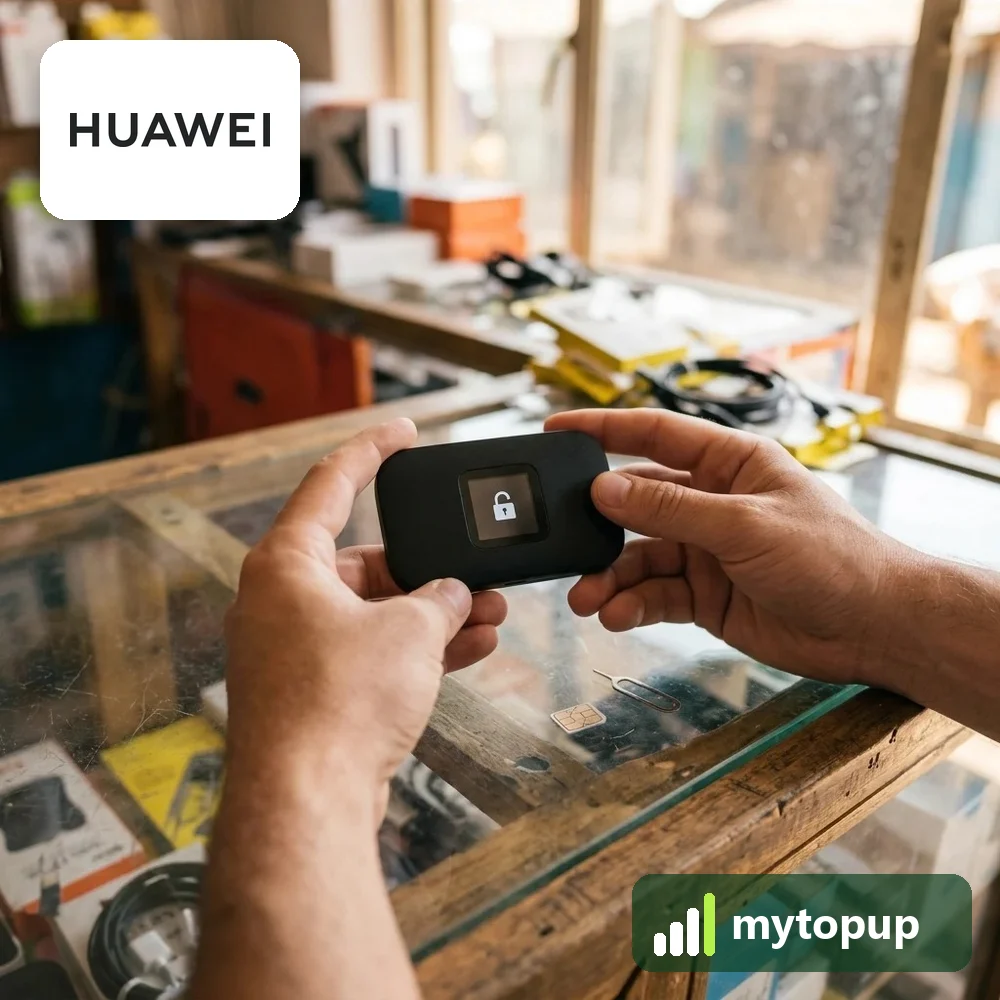
Huawei pocket WiFi locked to one network? Mobile hotspots like the E5372, E5373, E5776 and E589 often come tied to the network that supplied them. A permanent factory unlock code removes that lock, so your mobile WiFi takes a data SIM from any network and shares the connection with your phone, tablet or laptop.
Models covered by this unlock code
| Model | Device |
|---|---|
| Huawei E510 | mobile WiFi |
| Huawei E5330As-2 | mobile WiFi |
| Huawei E5331s | mobile WiFi |
| Huawei E5331s-2 | mobile WiFi |
| Huawei E5331Ws-1 | mobile WiFi |
| Huawei E5336 | mobile WiFi |
| Huawei E5336Bs-2 | mobile WiFi |
| Huawei E5336Bs-6 | mobile WiFi |
| Huawei E5336s-2 | mobile WiFi |
| Huawei E5372s-22 | mobile WiFi |
| Huawei E5372s-32 | mobile WiFi |
| Huawei E5372T | mobile WiFi |
| Huawei E5372Ts-601 | mobile WiFi |
| Huawei E5373 | mobile WiFi |
| Huawei E560 | mobile WiFi |
| Huawei E5776 | mobile WiFi |
| Huawei E5776s | mobile WiFi |
| Huawei E5830 | mobile WiFi |
| Huawei E5832 | mobile WiFi |
| Huawei E5838 | mobile WiFi |
| Huawei E589 | mobile WiFi |
| Huawei E589U | mobile WiFi |
| Huawei E58XX | mobile WiFi |
| Huawei EC5377u-872 | mobile WiFi |
| Huawei R201 | mobile WiFi |
| Huawei R205 | mobile WiFi |
| Huawei R208 | mobile WiFi |
Every model on this page is £1.99. Can’t see your model? Email info@mytopup.co.uk with the model and network before you order.
Finding the exact model of your Huawei hotspot
Every device here is a battery-powered pocket WiFi hotspot. Some, such as the R201, R205 and R208, were sold under network branding, so the Huawei name may not be on the front. To find the model, switch the unit off, take off the back cover and lift out the battery. The label underneath lists the model, IMEI and default WiFi details.
Suffixes matter a lot here. E5372s-22, E5372s-32, E5372T and E5372Ts-601 are four separate entries, and the E5336 appears in several versions. If your label says E5372 with extra letters, match all of them, because a code made for the wrong model may not be accepted.
How to find the IMEI number
The 15-digit IMEI is on the label under the battery cover or on the back, and the device’s web page shows it under device information. Each code is made for one IMEI, so please copy it carefully – we can’t refund a code made for a wrong IMEI.
How to unlock the mobile WiFi
- Turn the hotspot off and swap in a SIM from a different network.
- Power it on and connect your phone or laptop to its WiFi, using the name and key on the label.
- Open a browser, go to the admin page (usually 192.168.8.1) and log in.
- When the page asks for the unlock code, enter the code from our email.
- Restart the hotspot and check it connects to the new network.
If it doesn’t ask for the code
If the admin page does not ask for a code, look for a SIM or unlock option after logging in, and make sure the new SIM is from a different network. The default admin password is often on the label; if it has been changed and forgotten, a reset may be needed. Never keep trying a code that has been refused, since hotspots allow only a limited number of attempts. Email info@mytopup.co.uk with your order number and the exact model.
How long does it take?
Most codes are sent within minutes, and normally within 6 hours. Orders placed late at night UK time may take until the next morning.
Questions
Will unlocking change my WiFi name or password? No. The unlock only removes the network lock. Your WiFi name, WiFi password and admin settings stay as they are, though you may need to add the new network's APN in the admin page.
Can I unlock my hotspot without a computer? Yes. Connect your phone to the hotspot's WiFi and open the admin page in the phone's browser. The steps are the same as on a laptop, just on a smaller screen.
Will unlocking delete my data or affect the warranty? No. A factory unlock code only removes the network lock.
Reviews
There are no reviews yet.