
Huawei E303, E353 or E3531 stuck on one network? This page covers Huawei USB modems from the E2010 to the E369, from older 3G sticks like the E220 to 4G models like the E3276. A permanent factory unlock code lets your dongle use a data SIM from any network, in the UK or abroad.
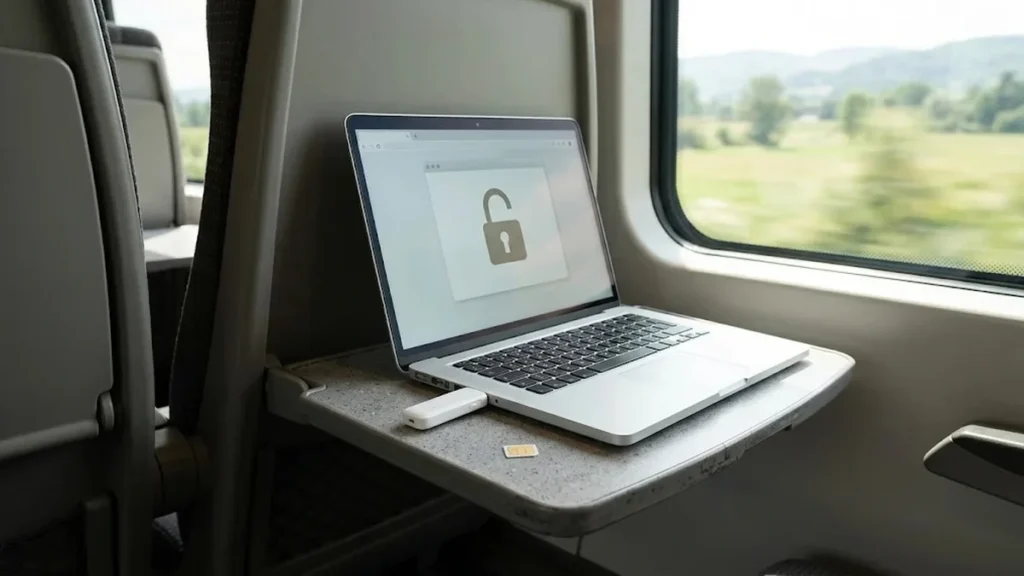
Models covered by this unlock code
| Model | Device |
|---|---|
| Huawei E2010 | USB modem |
| Huawei E216 | USB modem |
| Huawei E219 | USB modem |
| Huawei E220 | USB modem |
| Huawei E226 | USB modem |
| Huawei E22X | USB modem |
| Huawei E230 | USB modem |
| Huawei E270 | USB modem |
| Huawei E271 | USB modem |
| Huawei E272 | USB modem |
| Huawei E303 | USB modem |
| Huawei E3272 | USB modem |
| Huawei E3276 | USB modem |
| Huawei E3276-920 | USB modem |
| Huawei E3351s-2 | USB modem |
| Huawei E352 | USB modem |
| Huawei E353 | USB modem |
| Huawei E3531 | USB modem |
| Huawei E353Ws | USB modem |
| Huawei E353Ws-2 | USB modem |
| Huawei E355 | USB modem |
| Huawei E357 | USB modem |
| Huawei E362 | USB modem |
| Huawei E367 | USB modem |
| Huawei E368 | USB modem |
| Huawei E369 | USB modem |
Every model on this page is £1.99. Can’t see your model? Email info@mytopup.co.uk with the model and network before you order.
Software dongle or browser-based HiLink stick?
All of these are USB modems, but they work in two ways. Older sticks such as the E220 and E270 use connection software on the computer. Many later versions, including some E303, E353 and E3531 variants, are HiLink sticks that open a web page instead. Both kinds have a label under the cap or SIM cover showing the model and IMEI.
Choose with care. E353, E353Ws and E353Ws-2 are separate entries, as are E3276 and E3276-920, and E270, E271 and E272 sit side by side. Read every letter and digit on your label, and if your exact code is missing, email us before you order.
How to find the IMEI number
Dial *#06# and the 15-digit IMEI appears on screen. On a smartphone it is also under Settings › About phone; on older keypad phones it is printed on the sticker under the battery, and on the box. Each code is made for one IMEI, so please copy it carefully – we can’t refund a code made for a wrong IMEI.
How to enter the unlock code
- Put a SIM from a different network into the modem.
- Plug it into your computer and wait for the software or a browser page to open.
- For a HiLink stick, go to the dongle’s web page, usually 192.168.8.1, if it does not open by itself.
- Enter the unlock code from our email when asked.
- Check that the new network appears and data starts working.
If it doesn’t ask for the code
On a HiLink stick, the unlock request sometimes only appears after you open the web page, so go to it manually in the browser. On a software-based stick, remove the old network’s dashboard and try again. In both cases, make sure the new SIM is from a different network. If the code is not accepted, stop rather than retrying, because the modem allows only a limited number of attempts. Email info@mytopup.co.uk with your order number for help.
How long does it take?
Most codes are sent within minutes, and normally within 6 hours. Orders placed late at night UK time may take until the next morning.
Questions
How do I know if my dongle is a HiLink model? When you plug a HiLink stick in, it shows up like a network connection and a web page opens, rather than a program installing. If you are unsure, tell us the full model from the label and we will advise.
Does unlocking a 4G stick like the E3276 also give 4G on the new network? The unlock removes the network lock only. Whether you get 4G depends on the new network's frequencies and your SIM plan, so check those with your provider.
Will unlocking delete my data or affect the warranty? No. A factory unlock code only removes the network lock.
Reviews
There are no reviews yet.