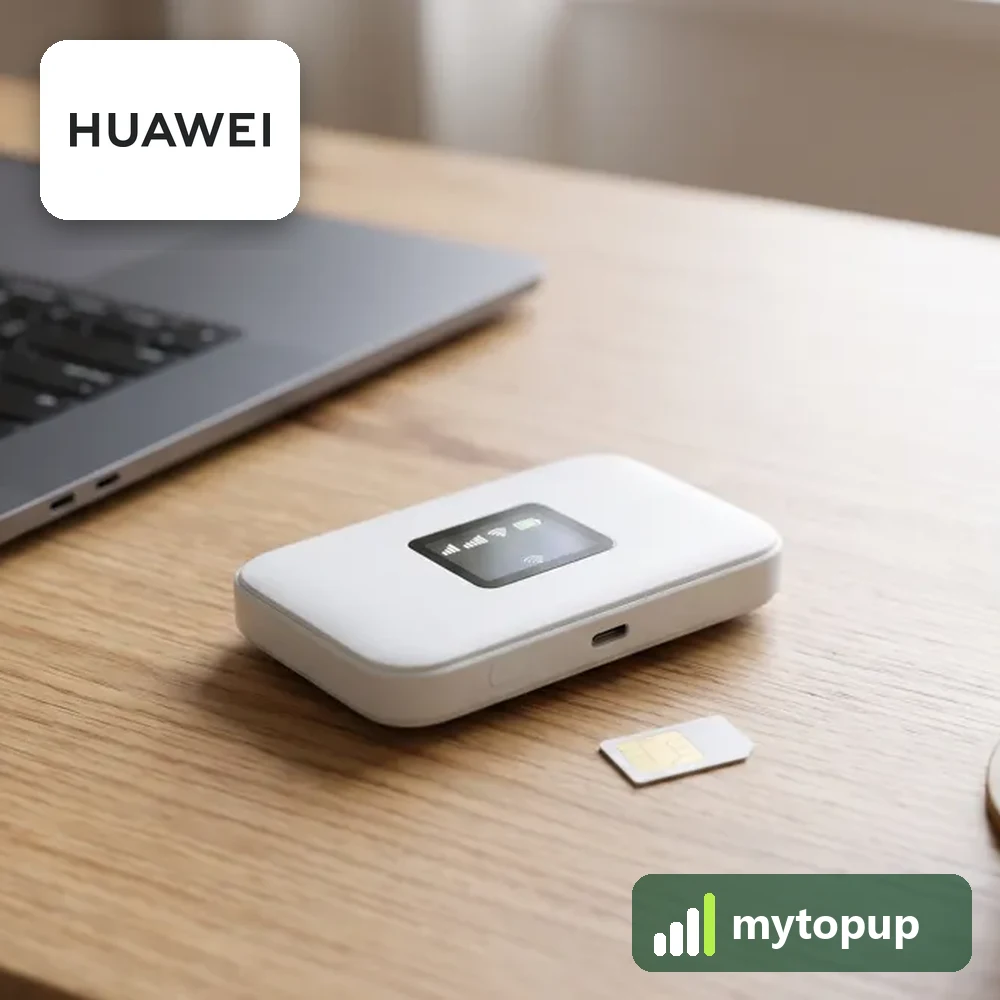
Huawei E5330, E5331, E5332 or R207 locked to a network? These Huawei pocket mobile WiFi devices share one design family, and networks sold many of them locked. We email a permanent factory unlock code made from the IMEI. Enter it and the hotspot works with a SIM card from any network.
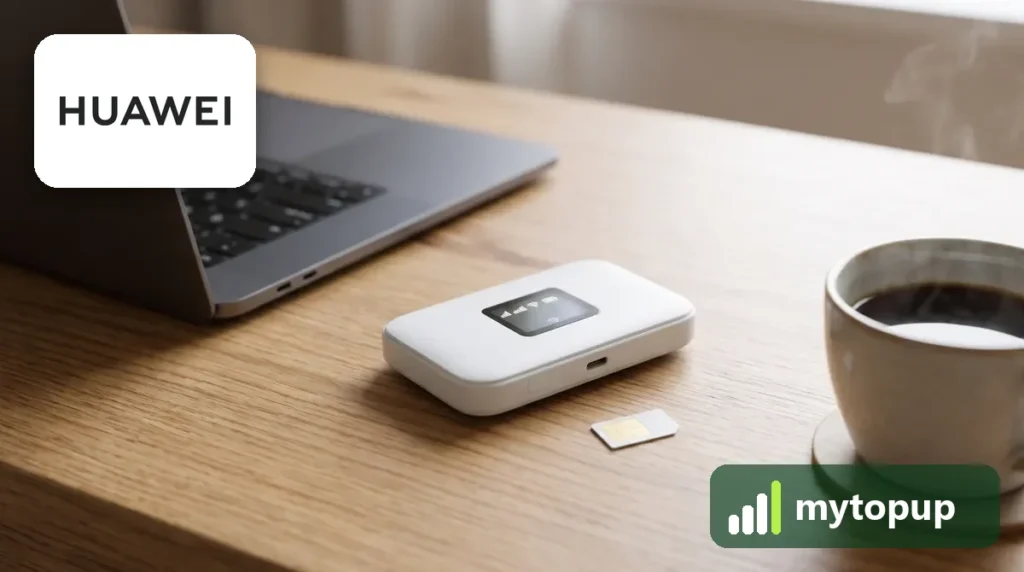
This unlock code covers: Huawei R207, E5330, E5331, E5332 and E5330Bs-2/-6.
R207, E5330, E5331 or E5332: which hotspot is in your hand?
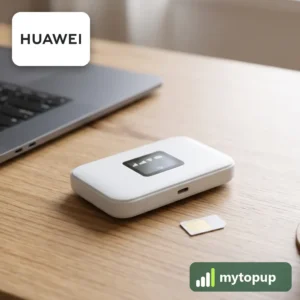
All of these are small battery-powered 3G pocket hotspots. The R207 is a network-branded name for a Huawei unit from the same family, so the casing may show a network logo instead of Huawei.
Remove the back cover and the battery to see the label. It lists the model and IMEI. Read the full model, including endings such as Bs-2 or Bs-6. The E5330 and E5331 look almost identical, and the E5332 is easily misread as E5330. Choose the line that matches exactly.
How to find the IMEI number
The 15-digit IMEI is on the label under the battery cover or on the back, and the device’s web page shows it under device information. Each code is made for one IMEI, so please copy it carefully – we can’t refund a code made for a wrong IMEI.
How to unlock the mobile WiFi
- Put a SIM card from a different network into the hotspot.
- Switch on and connect to its WiFi from a phone or laptop.
- Go to 192.168.8.1 in your browser, or the address on the label, and log in.
- When the page asks for an unlock code, type in the code from our email.
- Restart the hotspot and check it connects on the new network.
If it doesn’t ask for the code
If 192.168.8.1 does not load, check you are joined to the hotspot’s WiFi and try the address on the label. No unlock prompt usually means the SIM is from the same network or still has a PIN. If the code fails, stop rather than guessing, because the device allows only a limited number of attempts. Email info@mytopup.co.uk with your order number and the model from the label.
How long does it take?
Most codes are sent within minutes, and normally within 6 hours. Orders placed late at night UK time may take until the next morning.
Questions
My label says E5330Bs-2. Which option do I pick? Pick the E5330Bs-2 option. The ending is a version marker, so choosing the exact match helps us use the right calculation for your hotspot. If unsure, send us a photo of the label.
Is the R207 a Huawei? Yes. The R207 is a Huawei-made hotspot that a network sold under its own model name. The label under the battery normally confirms the Huawei name along with the IMEI.
Will unlocking delete my data or affect the warranty? No. A factory unlock code only removes the network lock.
Reviews
There are no reviews yet.