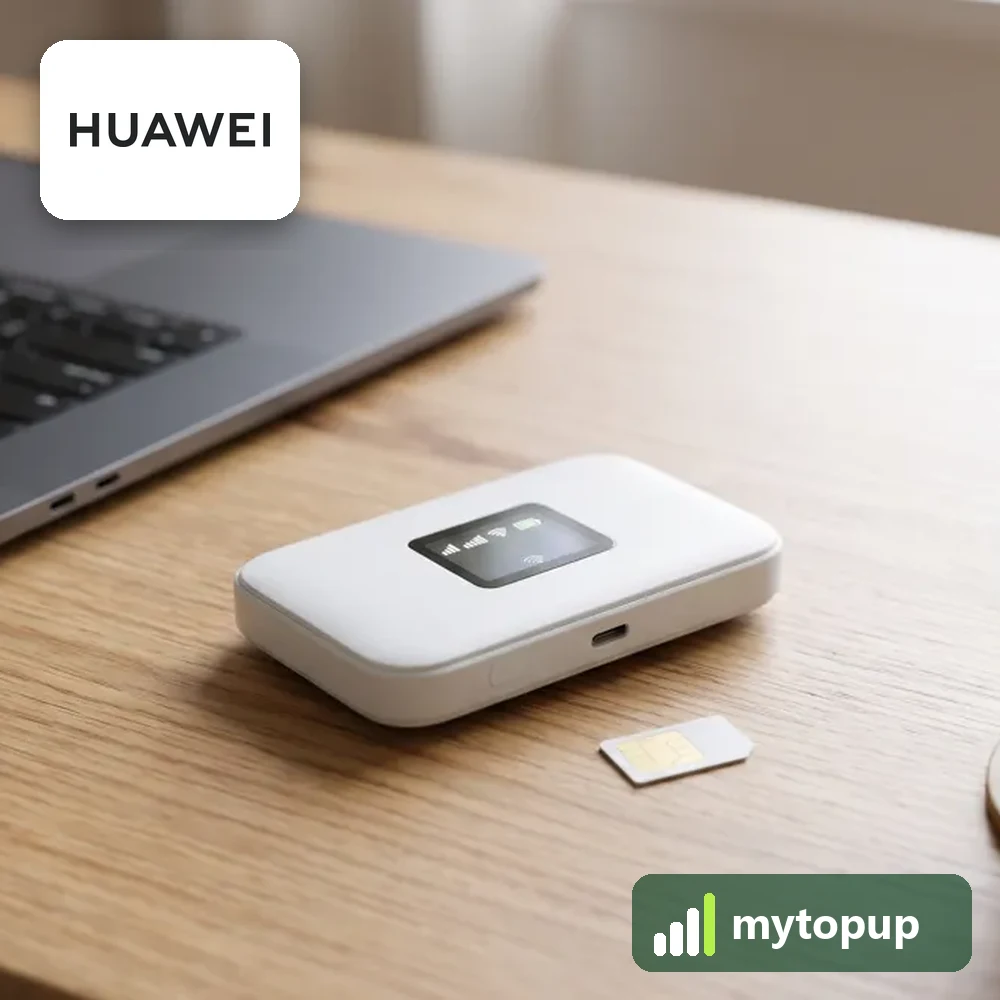
Huawei E5786, E5220 or R206 stuck on one network? These are Huawei pocket mobile WiFi hotspots, from the slim E5220 to the faster E5786. We provide a permanent factory unlock code calculated from your IMEI. Enter it on the admin page and the hotspot accepts a SIM card from any network.
This unlock code covers: Huawei E5220, R206 and E5786.
E5220, R206 or E5786 – identifying your Huawei hotspot
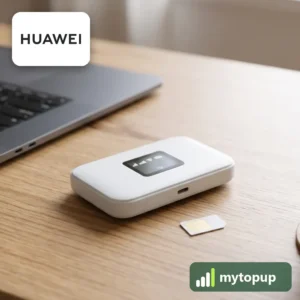
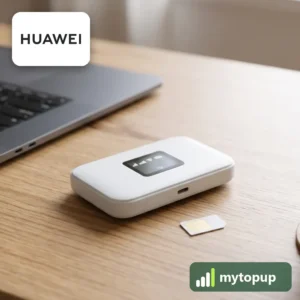
All three are battery-powered hotspots that share one mobile connection over WiFi. The E5220 is a compact 3G unit. The E5786 is a later 4G model with a small screen. The R206 is a network-branded Huawei, so it may carry a network logo instead.
Open the back and remove the battery to read the model and IMEI. Read the full code including any suffix, such as E5786s-32a. The E5220 is often misread as E5200 or E5330. Each needs the right model choice.
How to find the IMEI number
The 15-digit IMEI is on the label under the battery cover or on the back, and the device’s web page shows it under device information. Each code is made for one IMEI, so please copy it carefully – we can’t refund a code made for a wrong IMEI.
How to unlock the mobile WiFi
- Insert a SIM from a different network into the hotspot.
- Turn it on and join its WiFi network.
- Open 192.168.8.1 or the address on the label in your browser and log in.
- Type the factory unlock code into the box that appears and confirm.
- Reboot and check the new network shows on the screen or admin page.
If it doesn’t ask for the code
If the admin page loads but there is no unlock box, check the SIM is from another network and that its PIN is turned off. Newer E5786 firmware may show the box only after you log in. If the code is refused, stop at once: there is a limited number of attempts. Email info@mytopup.co.uk with your order number and the model from under the battery.
How long does it take?
Most codes are sent within minutes, and normally within 6 hours. Orders placed late at night UK time may take until the next morning.
Questions
Is the R206 the same as the E5220? They come from the same Huawei range, but list your device exactly as the label shows it. The code is made from the IMEI either way, and the right model choice helps us use the correct method.
Will an unlocked E5786 use 4G on my new network? Yes, if the new network's 4G uses frequencies the E5786 supports, which is worth checking before you buy a SIM. Where 4G is not available to it, the hotspot connects on 3G instead.
Will unlocking delete my data or affect the warranty? No. A factory unlock code only removes the network lock.
Reviews
There are no reviews yet.