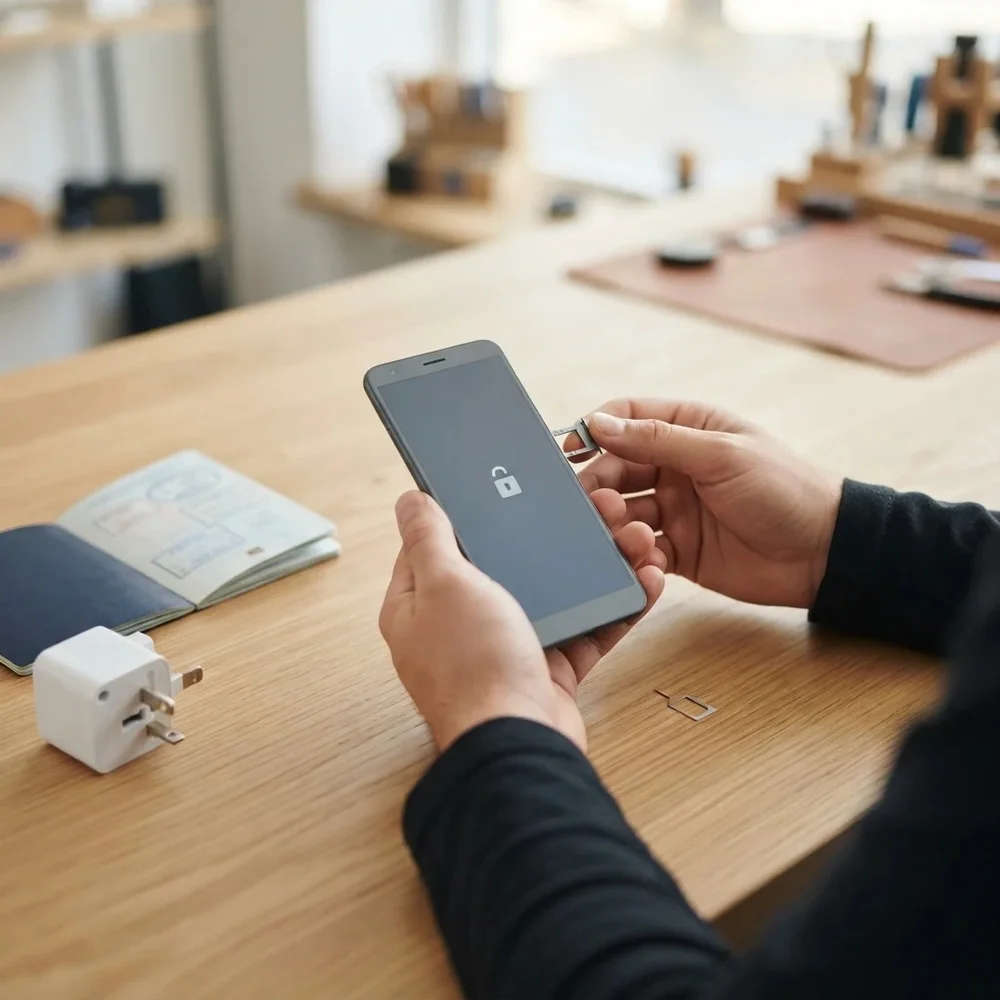
Huawei Ascend or G-series phone tied to a network? This page covers older Huawei handsets including the Ascend Y360, Ascend Y600, Ascend G500 and the G3621. A permanent factory unlock code removes the network lock, so the phone accepts a SIM card from any network, in the UK or elsewhere.
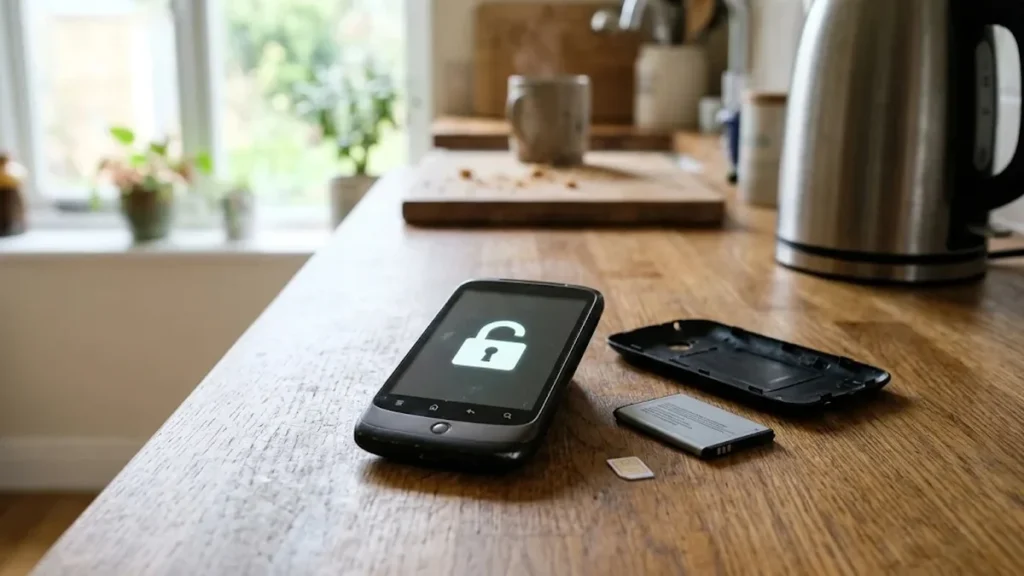
Models covered by this unlock code
| Model | Device |
|---|---|
| Huawei Ascend 8836D | phone |
| Huawei Ascend G500 | phone |
| Huawei Ascend Y220 | phone |
| Huawei Ascend Y221 | phone |
| Huawei Ascend Y320 | phone |
| Huawei Ascend Y321 | phone |
| Huawei Ascend Y360-U23 | phone |
| Huawei Ascend Y360-U31 | phone |
| Huawei Ascend Y511 | phone |
| Huawei Ascend Y520 | phone |
| Huawei Ascend Y600 | phone |
| Huawei F316 | phone |
| Huawei G20 | phone |
| Huawei G2800S | phone |
| Huawei G3501S.America | phone |
| Huawei G3511 | phone |
| Huawei G3512 | phone |
| Huawei G3610 | phone |
| Huawei G3620 | phone |
| Huawei G3621 | phone |
| Huawei G3621L | phone |
| Huawei G3622 | phone |
| Huawei G5520 | phone |
| Huawei G5521 | phone |
Every model on this page is £1.99. Can’t see your model? Email info@mytopup.co.uk with the model and network before you order.
Ascend smartphone or G-series handset?
The list holds two kinds of phone. The Ascend Y and G models are early Android smartphones, while plain G numbers such as the G3610 and G5520 are mostly simpler Huawei handsets. On an Ascend, open Settings, then About phone, to see the model. On the simpler phones, remove the battery and read the sticker, which also shows the IMEI.
Similar names cause mix-ups. The Ascend Y360 has two entries, U23 and U31, which you will find on the label or in About phone. G3621 and G3621L are separate, as are Y220 and Y221, and Y320 and Y321. The G3501 entry is the South American version.
How to find the IMEI number
Dial *#06# and the 15-digit IMEI appears on screen. On a smartphone it is also under Settings › About phone; on older keypad phones it is printed on the sticker under the battery, and on the box. Each code is made for one IMEI, so please copy it carefully – we can’t refund a code made for a wrong IMEI.
How to enter the unlock code
- Turn the phone off and take out the current SIM.
- Insert a SIM from a different network and switch the phone on.
- Wait for SIM network unlock PIN on an Ascend, or a network code request on a simpler handset.
- Enter the code from our email and select Unlock or OK.
- The phone should now show the new network’s name.
If it doesn’t ask for the code
If no request appears, restart the phone with the new SIM in and make sure the SIM’s own PIN is turned off. Try a SIM from a completely different network in case the one you have is accepted by the lock. On Android Ascend models, do not dismiss the unlock screen; if you have, restart to get it back. Do not keep guessing a refused code, as attempts are limited. Email info@mytopup.co.uk with your order number for help.
How long does it take?
Most codes are sent within minutes, and normally within 6 hours. Orders placed late at night UK time may take until the next morning.
Questions
Do I lose anything by unlocking my Ascend? No. Entering the code only removes the network lock. Apps, photos and contacts stay on the phone. A backup is still worth doing before you change SIM cards, just in case.
Which Y360 entry should I pick, U23 or U31? Pick the one printed on your label under the battery or shown in Settings, About phone. They are listed separately, and the code is made from your own IMEI either way.
Will unlocking delete my data or affect the warranty? No. A factory unlock code only removes the network lock.
Reviews
There are no reviews yet.