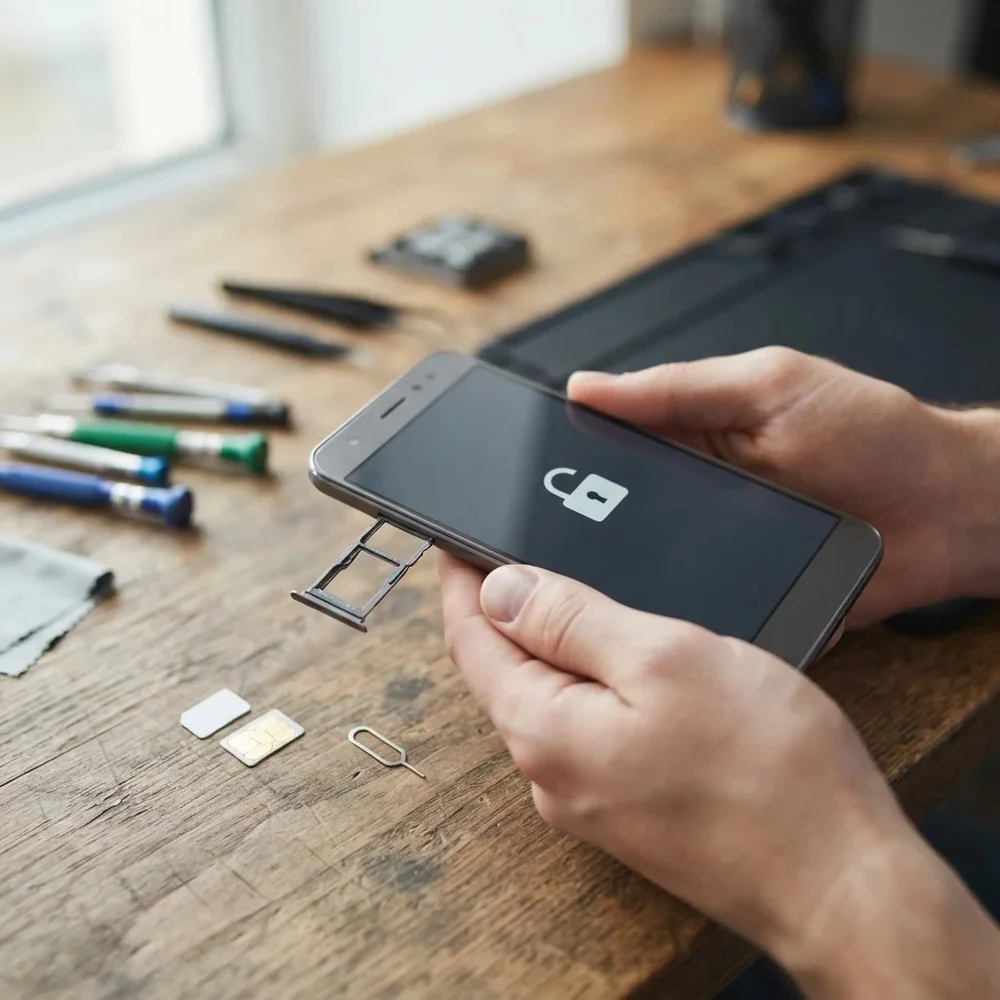
Hisense smartphone that won’t accept your new SIM? Models like the Hisense E50 Lite, U30, U40 and H30 Lite are often sold locked to the network that supplied them. A permanent factory unlock code removes that lock, so your Hisense phone takes a SIM card from any network, at home or abroad.
Models covered by this unlock code
| Model | Device |
|---|---|
| Hisense E30 Lite | phone |
| Hisense E31 Lite | phone |
| Hisense E40 | phone |
| Hisense E50 | phone |
| Hisense E50 Lite(HLTE228E) | phone |
| Hisense H30 Lite(HLTE223E-H9) | phone |
| Hisense H50 | phone |
| Hisense Infinity E50 Lite | phone |
| Hisense U30 | phone |
| Hisense U30 Sim | phone |
| Hisense U30(U606.10-DF) | phone |
| Hisense U40 | phone |
| Hisense U40 Lite | phone |
| Hisense U50 | phone |
| Hisense U605 | phone |
| Hisense U606 | phone |
| Hisense U963(HLTE100E) | phone |
Every model on this page is £1.99. Can’t see your model? Email info@mytopup.co.uk with the model and network before you order.
Which Hisense E, H or U model is yours?
These are Hisense Android smartphones, mostly affordable models sold through networks. To find the exact model, open Settings, then About phone. Many Hisense phones also carry a technical code, such as HLTE228E or HLTE223E-H9, which you may see in About phone, on the box or on the label.
That code helps when names overlap. The E50 Lite has two listings, one marked HLTE228E, and the Infinity E50 Lite is another phone again. The U30 has three entries, including U30 Sim and U606.10-DF, so compare carefully. The U40 and U40 Lite are different phones too, as are the U605 and U606.
How to find the IMEI number
Dial *#06# and the 15-digit IMEI appears on screen. On a smartphone it is also under Settings › About phone; on older keypad phones it is printed on the sticker under the battery, and on the box. Each code is made for one IMEI, so please copy it carefully – we can’t refund a code made for a wrong IMEI.
How to enter the unlock code
- Power down the Hisense and take out its current SIM.
- Insert a SIM from any other network and turn it back on.
- The phone should show SIM network unlock PIN or ask for a network key.
- Type the code from our email and tap Unlock.
- Wait for the new network’s signal to show.
If it doesn’t ask for the code
Hisense phones may show the unlock box once and then tuck it behind the lock screen. Restart with the new SIM in and unlock the screen straight away to catch it. Confirm the SIM is from a different network and that its PIN is switched off. If your code is refused, do not keep trying, as the phone permits a limited number of attempts. Email info@mytopup.co.uk with your order number and the model from About phone.
How long does it take?
Most codes are sent within minutes, and normally within 6 hours. Orders placed late at night UK time may take until the next morning.
Questions
Which U30 entry should I choose? Check Settings, About phone and the box for a code. If it says U606.10-DF, pick that entry. If your phone only says U30, choose the plain U30 entry, or email us if you are unsure.
Is the unlock lost after a software update? No. A factory unlock code is permanent. Software updates and factory resets do not bring the network lock back, so you only need to enter the code once.
Will unlocking delete my data or affect the warranty? No. A factory unlock code only removes the network lock.
Reviews
There are no reviews yet.